Skip to product information
1 of 1

BenQ

BenQ RP6504 Board Pro 65" interactive touch display

BenQ RP6504 Board Pro 65" interactive touch display

Regular price €3.599,00 EUR
Regular price Sale price €3.599,00 EUR
Sale Sold out
Taxes included. Shipping calculated at checkout.

Delivery time 8 - 10 days *1

SKU:RP6504

Question about the product


BenQ Board Pro

Teach in Unprecedented Ways

Discover new teaching methods and take your lessons to the next level with our most powerful board yet.


A Premium Google Experience

The new EDLA-certified BenQ Board Pro RP04 offers you the best possible classroom experience by combining the power of BenQ software and hardware with official Google services for education.


  • Google Play

    Google Play

    Access your favorite educational apps directly on the BenQ Board.

  • Core Applications and Services

    Core Applications and Services

    Google's core services are pre-installed on the RP04.

  • Collaboration Tools

    Collaboration Tools

    Use any of the Google Docs editors to open lesson files directly from your board.


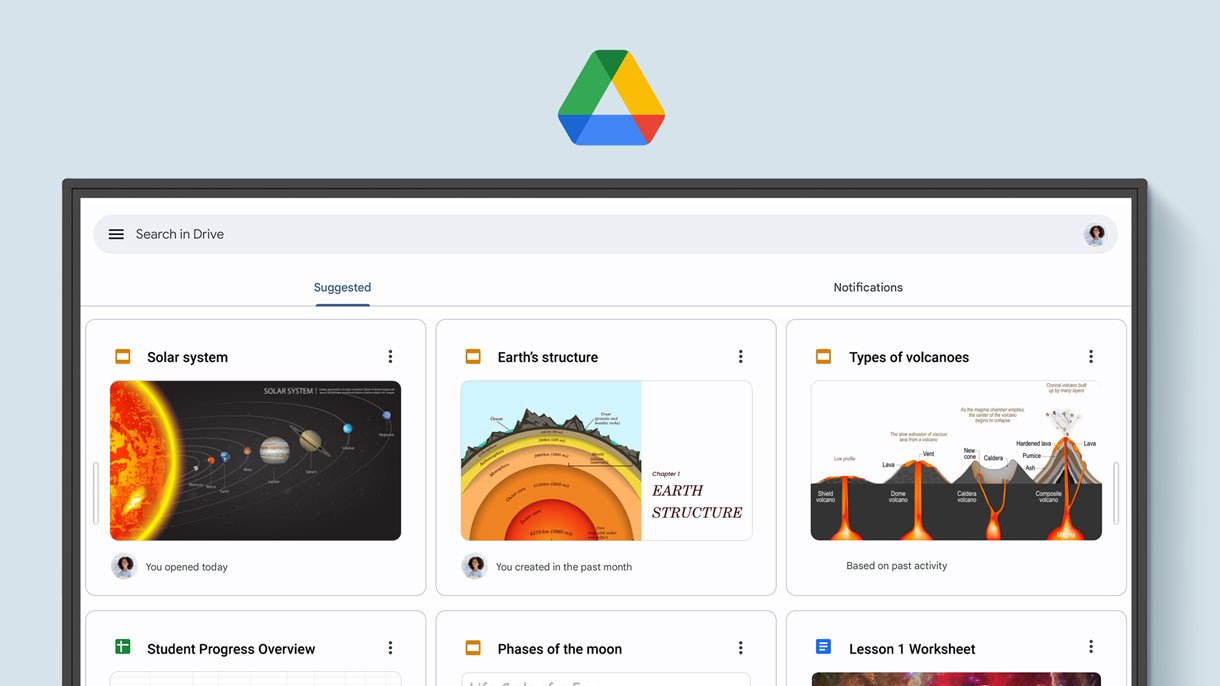
Convenient File Access

Open files from your Google Drive to teach with the material you've prepared and save them directly back to the cloud, ensuring you always have access to the latest files.

Digital whiteboard displaying a Google service.

Enhanced Security

Google Play Protect secures your displays, preventing you from installing potentially harmful apps and malware.

Whiteboard with security icon.

Customize Your Space

Personalize your board's home screen by adding new pages and folders and pinning your most used applications and files.


Rely on Efficient Long-Term Performance

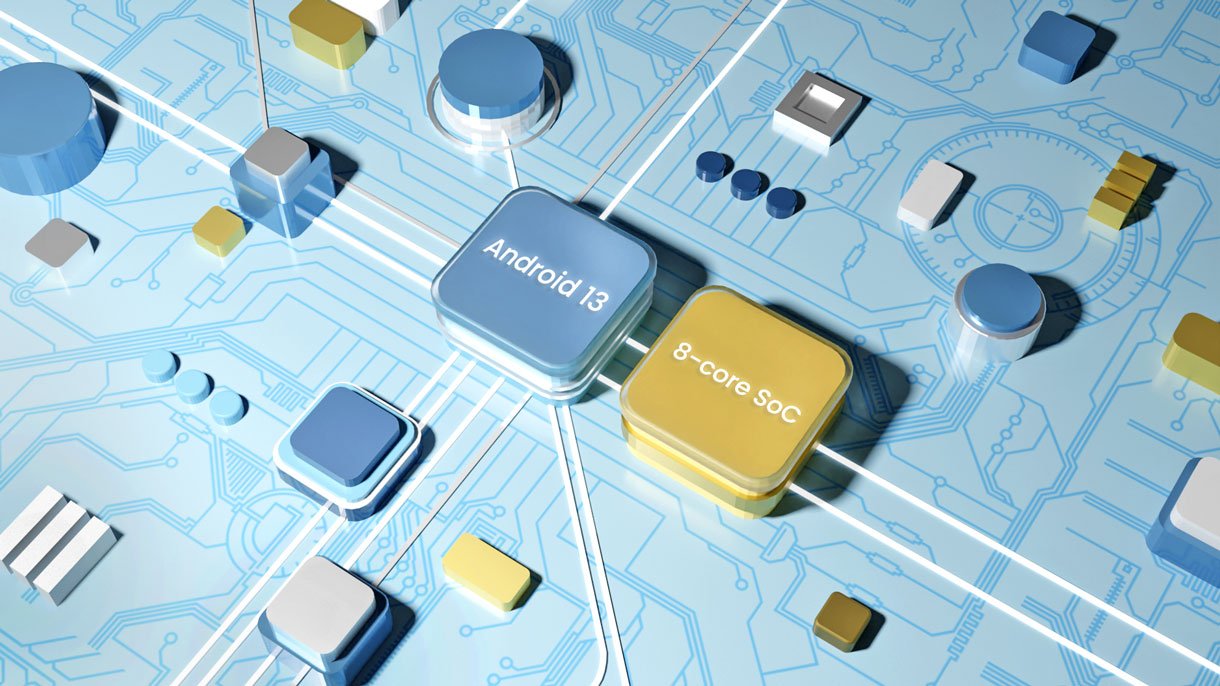
The RP04 runs Android 13 on an 8-core Pro chipset, ensuring its future-proof and consistently fast performance.

Rely on Efficient Long-Term Performance

AI Tools for More Inclusive Classrooms


  • Text-to-Speech

    Text-to-Speech

    Hear text as it appears or is written on screen.

  • Multilingual Translation

    Multilingual Translation

    Translate text into numerous languages to make lessons more contextual.

  • OCR

    OCR

    Effortlessly edit text from photos and scanned pages.


Designed for healthier classrooms
classroomcare

ClassroomCare®

Designed for Healthier Classrooms

The BenQ Board Pro is equipped with the highest level of ClassroomCare® protection, allowing teachers to teach with confidence while their students interact safely.

Learn more about ClassroomCare technologies

eyesafe 2.0

Only the Best for Your Eyes

The RP04 is the first and only Eyesafe® certified 2.0 Smart Board. It offers the highest level of eye protection available. The display prevents eye strain by greatly reducing high-energy blue light while maintaining the vibrant colors of the screen.


Regular screen

Regular screen

BenQ Eyesafe® screen

BenQ Eyesafe® screen

  • Eyesafe® certified 2.0

    Eyesafe® certified 2.0

  • TÜV-certified

    TÜV-certified

  • Flicker-free

    Flicker-free

  • Anti-glare

    Anti-glare


Protect indoor air quality

Protect indoor air quality

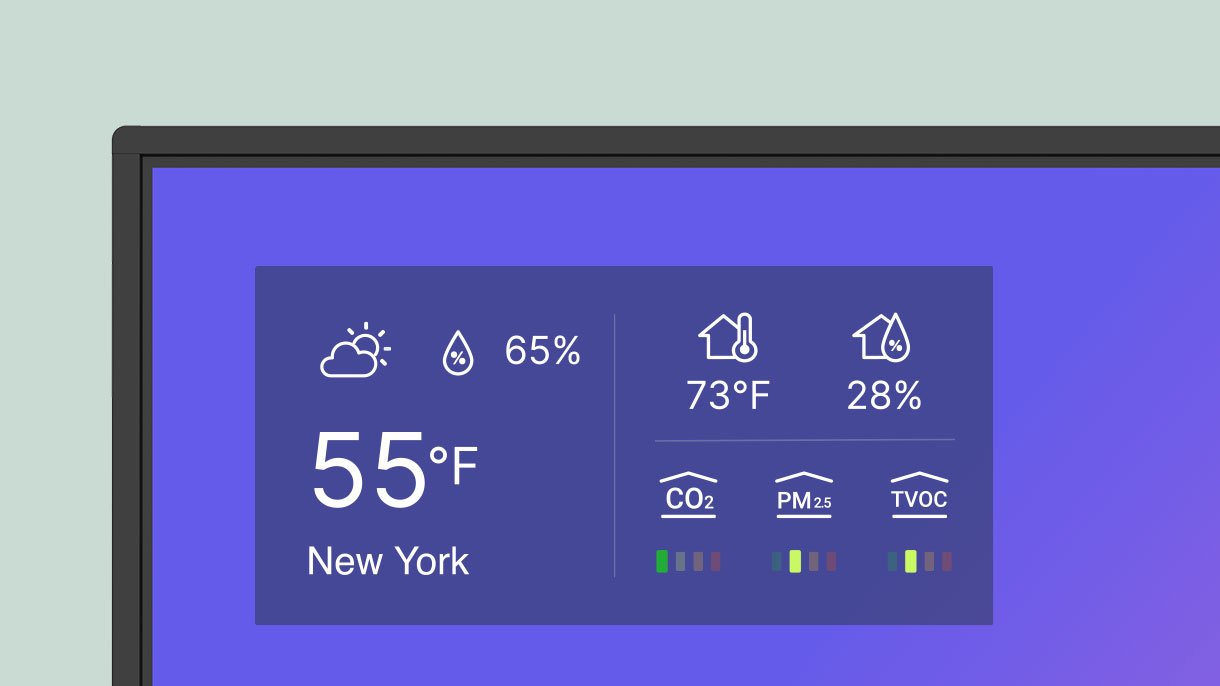
Poor indoor air quality negatively impacts student health and performance. The BenQ Board Pro helps monitor classroom CO₂, PM₂.₅, and TVOC levels so you can regulate airflow accordingly.
Protect indoor air quality

Air ionizer

Air ionizer

The BenQ Board Pro is the only smart board to feature an air ionizer, which helps regulate contaminants when pollution levels increase.
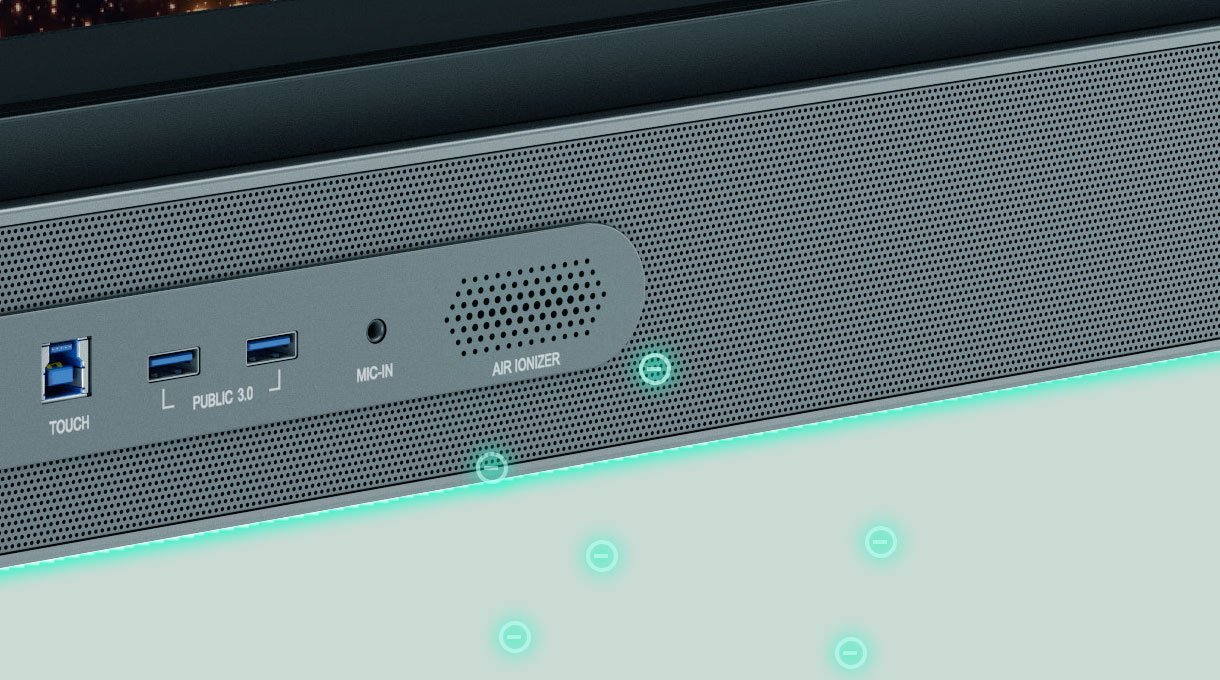
Air ionizer

IP5X dust protection

IP5X dust protection

The RP04 panel conforms to IEC 60529 standard to ensure consistent operation, even in dusty classrooms.
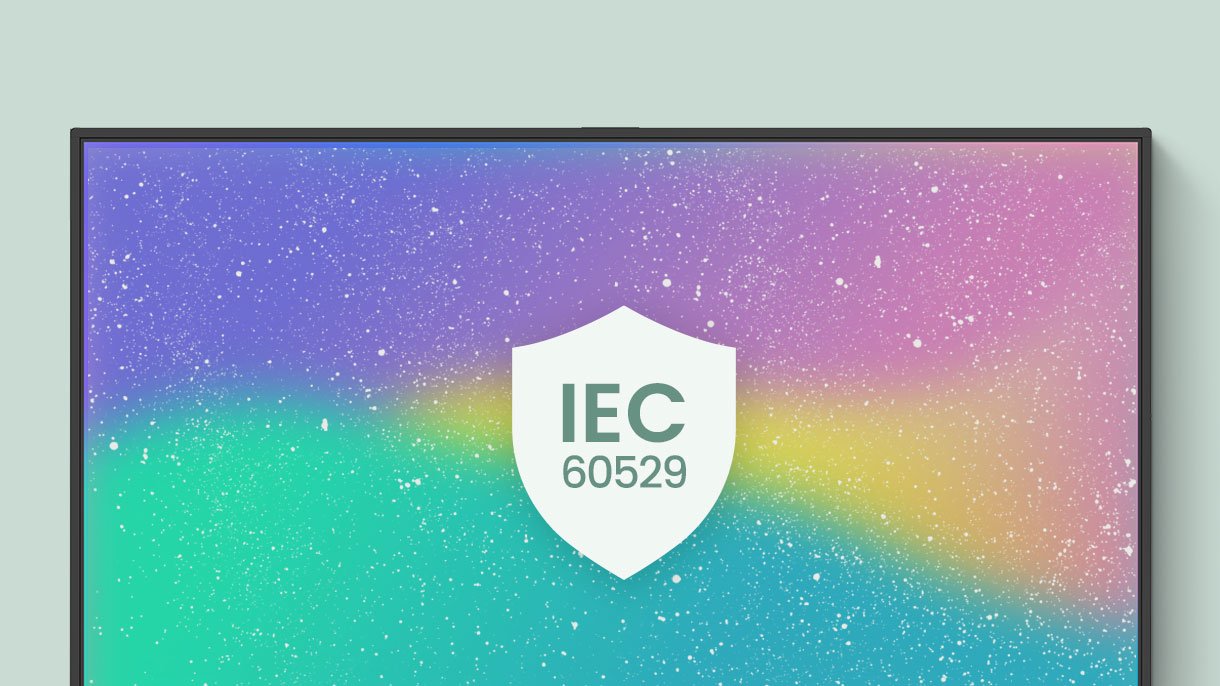
IP5X dust protection


Save energy with BenQ Boards

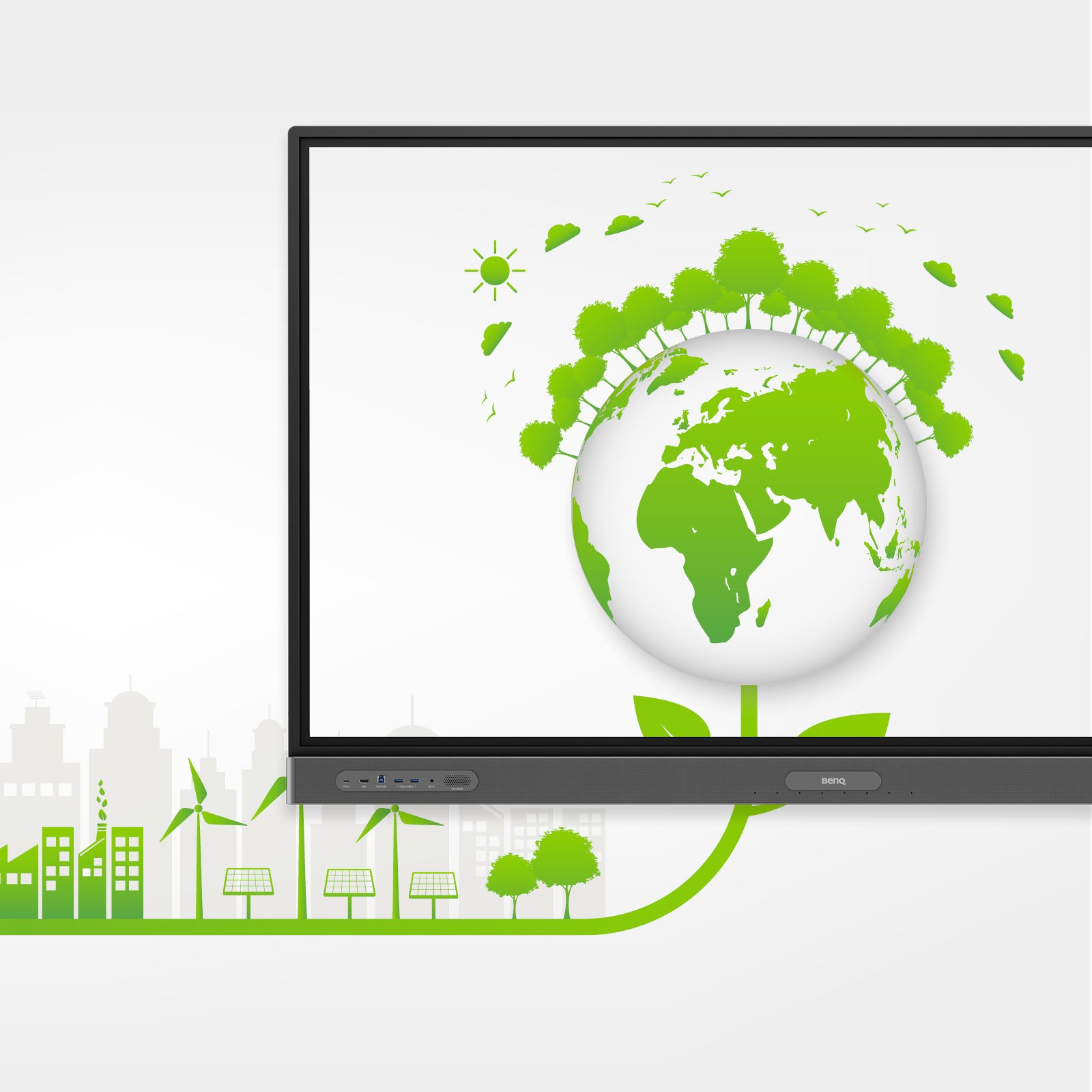
BenQ Boards feature energy-saving functions to monitor and reduce power consumption, cutting costs and improving sustainability without compromising performance.

Find out how
Save energy with BenQ Boards


Teacher teaching with a whiteboard.

An unlimited canvas

EZWrite is a powerful whiteboard with a range of tools to enable engaging lessons. With EZWrite, students can take command of the board themselves, whether you’re teaching in-person or online.

Learn more about the EZWrite 6 interactive whiteboard

No ordinary whiteboard

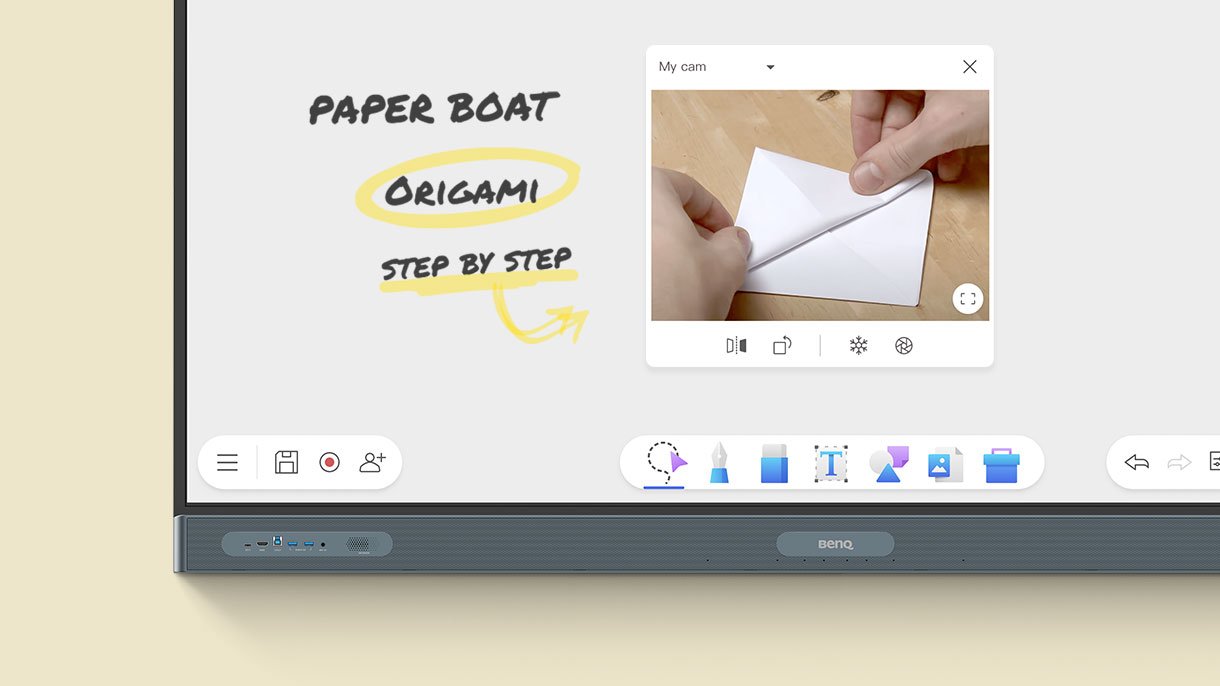
With EZWrite 6, you can do more than just write and draw. You can expand your canvas size, split it into sections, bring up stencils and measuring tools, and even share your live camera feed.

Whiteboard with various possibilities.

Import. Edit. Share.

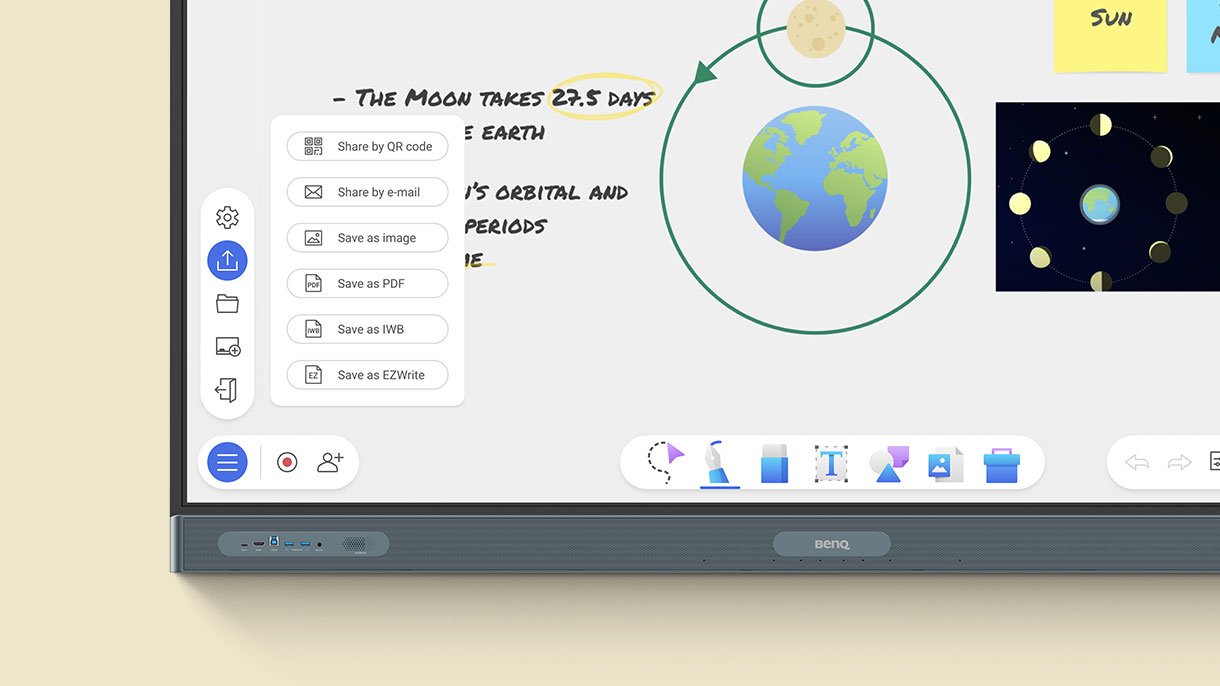
EZWrite supports Office files, so you can import slideshows, documents, worksheets, or PDFs and use them for your lessons. Add notes during class, and save your session as an editable IWB file or export it as a PDF handout for your students.

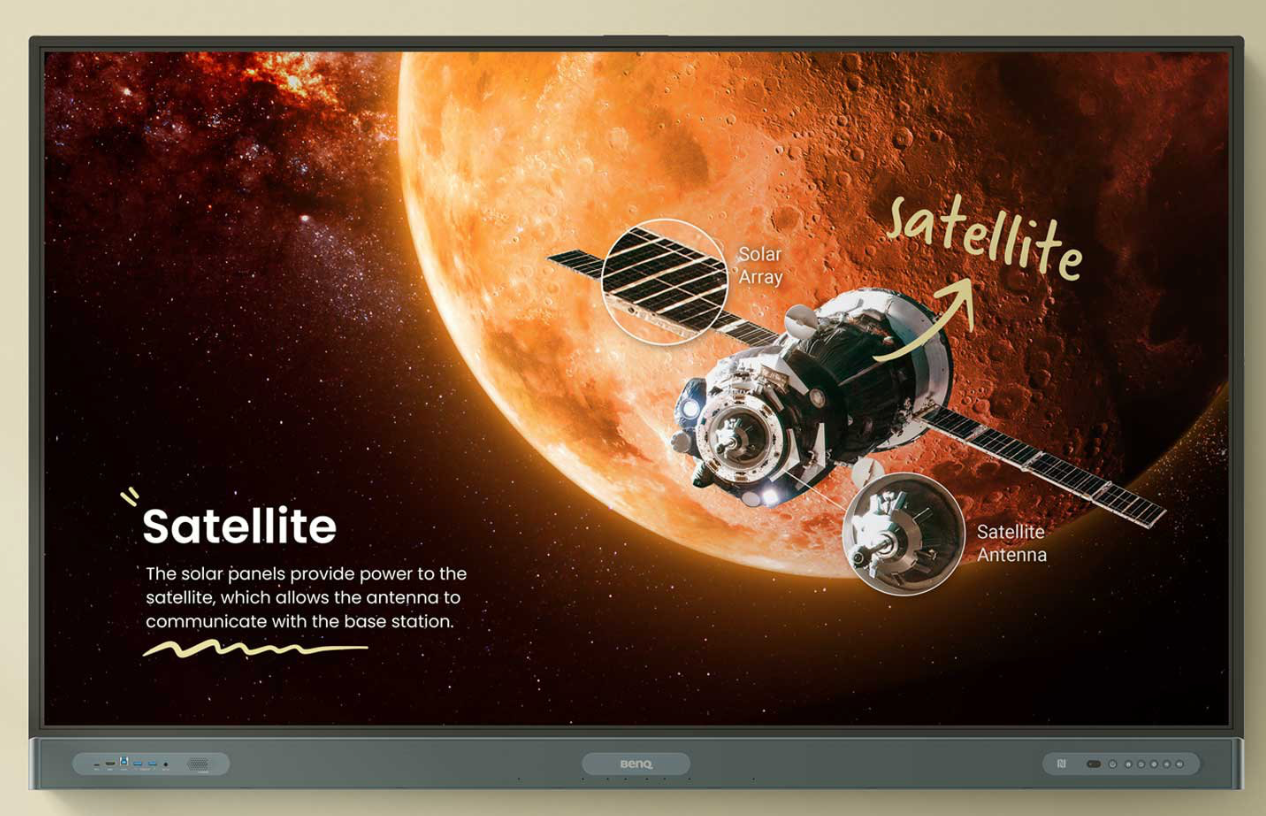
Whiteboard shows the solar system.

Borderless classrooms

Cloud whiteboarding activation lets you extend your lessons to remote students, no matter where they are. They can write and participate as freely as if they were sitting directly in front of the board.

Teacher teaching with a whiteboard.

Teacher teaching with a whiteboard.

An ideal teaching environment

The RP04 is already equipped with everything you need for effective and engaging teaching.


Double your efficiency

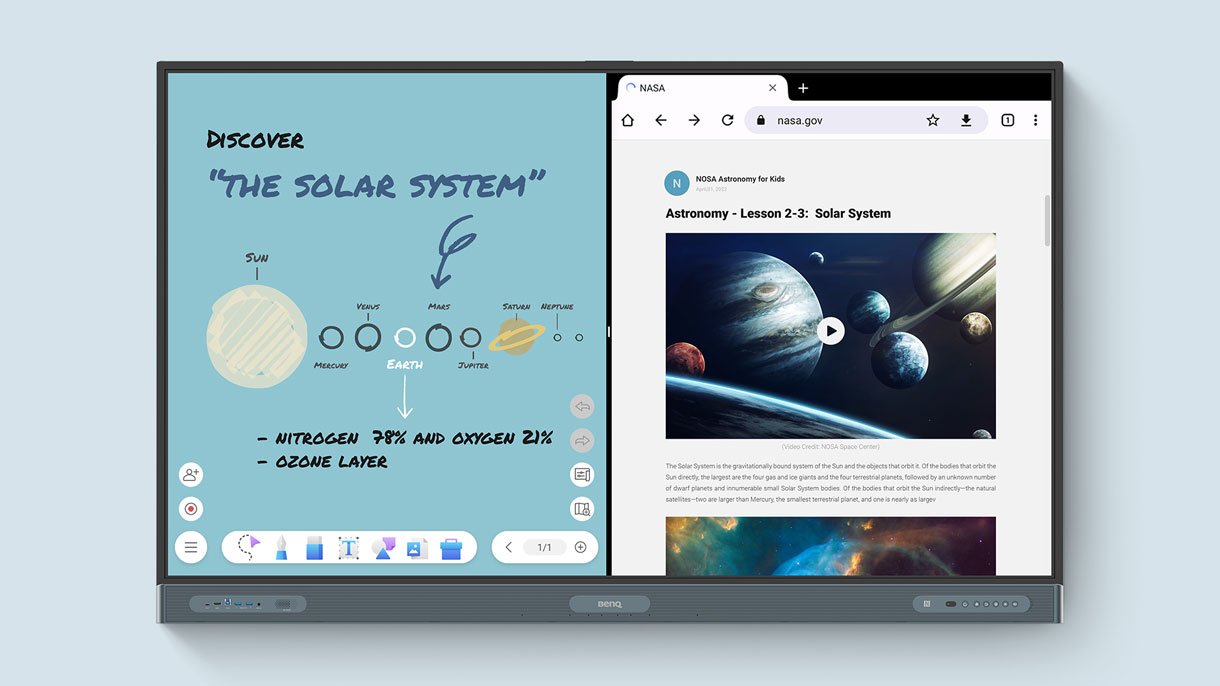
With the split screen, you can teach more efficiently by using two applications side-by-side. You can create a whiteboard on the left side while browsing other resources on the right side.

Whiteboard shows space.


AI-Enhanced Streaming and Recording

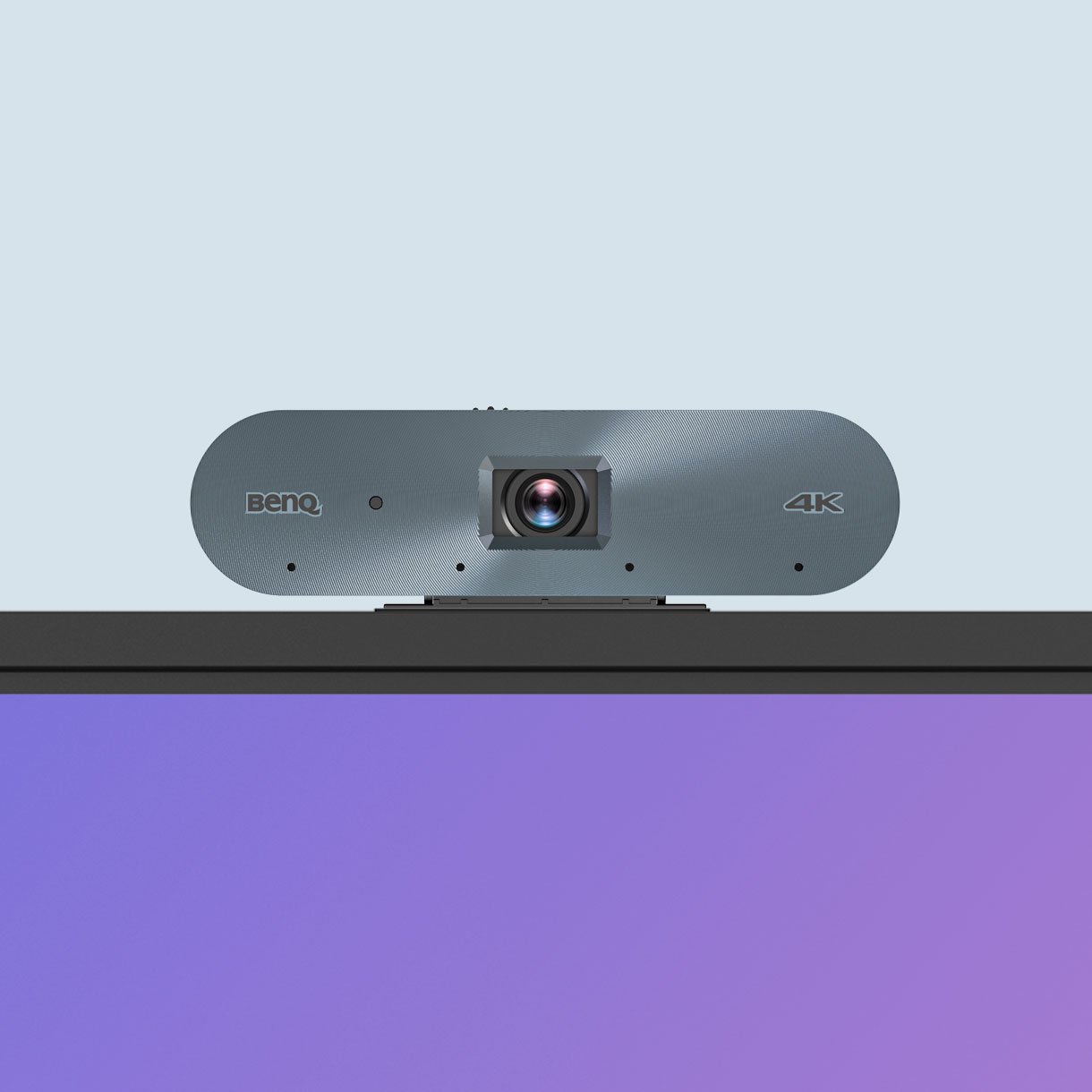
With the BenQ Board camera DV01K, you can capture your lessons in high-quality video. Its AI features—like auto-framing, active noise cancellation, and face and voice tracking—ensure clear and dynamic video footage, ideal for streaming and recording.

Communication via microphone and camera.

  • AI-powered Auto Framing

    AI-powered auto framing

  • AI-powered speaker tracking

    AI-powered speaker tracking

  • Active noise cancellation

    Active noise cancellation


Immersive sound

Experience unmatched audio with the board’s dual front-facing 20W speakers and 16W subwoofer.

Interactive board displays the soundbar.

Clear audio pickup

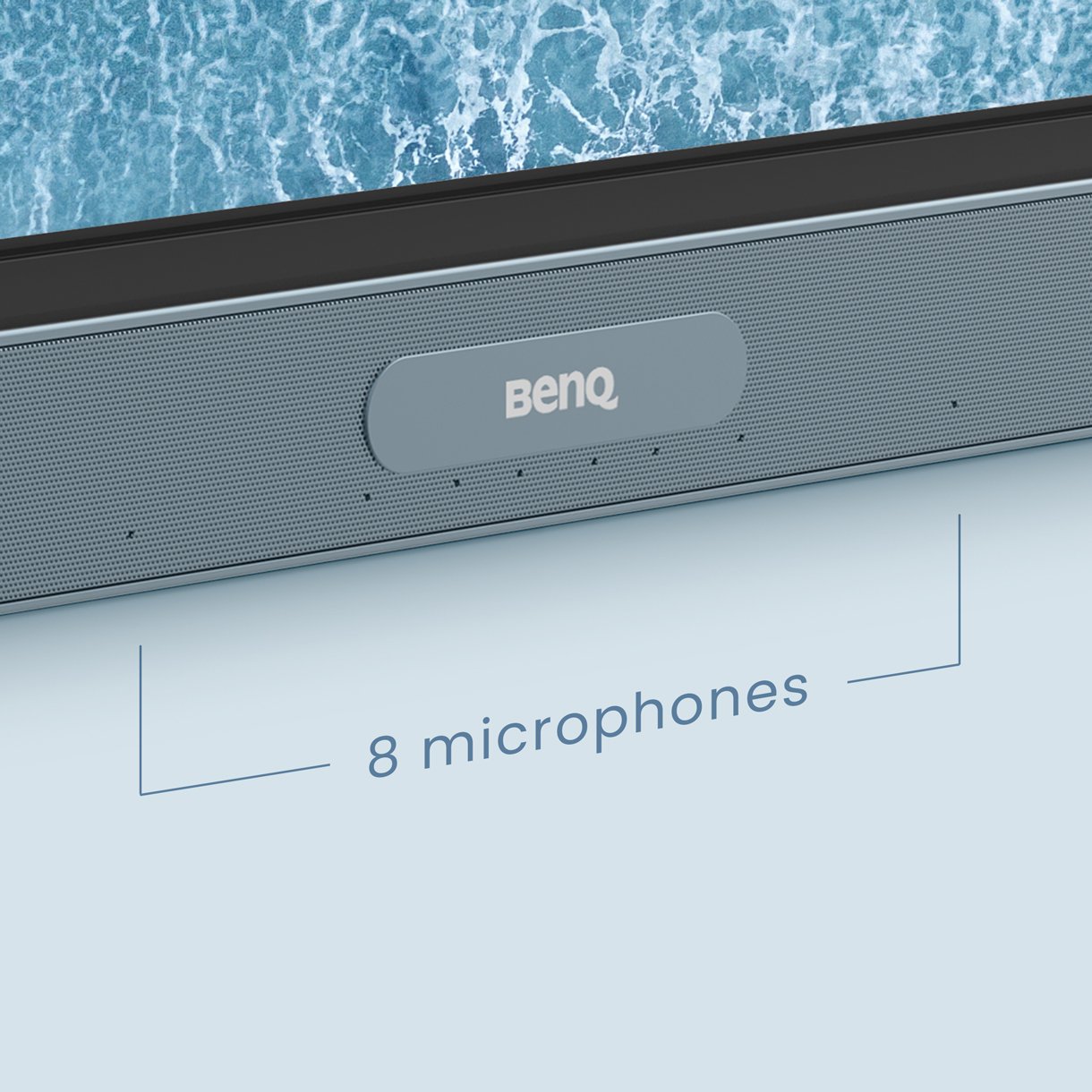
The RP04’s 8-microphone array with echo cancellation and noise reduction ensures you’re heard loud and clear.

Communication via microphone and camera.


Better writing experience

The BenQ Board Pro fosters student collaboration by providing a large interactive surface that delivers zero-lag touch response and a natural writing experience.


  • Built for collaboration

    Built for collaboration

    The RP04 has up to 40 touch points, letting multiple users interact simultaneously.

  • Write like on paper

    Write like on paper

    With no gap between the glass and the panel, a more natural writing experience is ensured.

  • Truly Responsive Touch

    Truly Responsive Touch

    Fine IR+ lets you write and interact with the screen with even greater precision.


Teacher teaching at a whiteboard.

An easier way to share

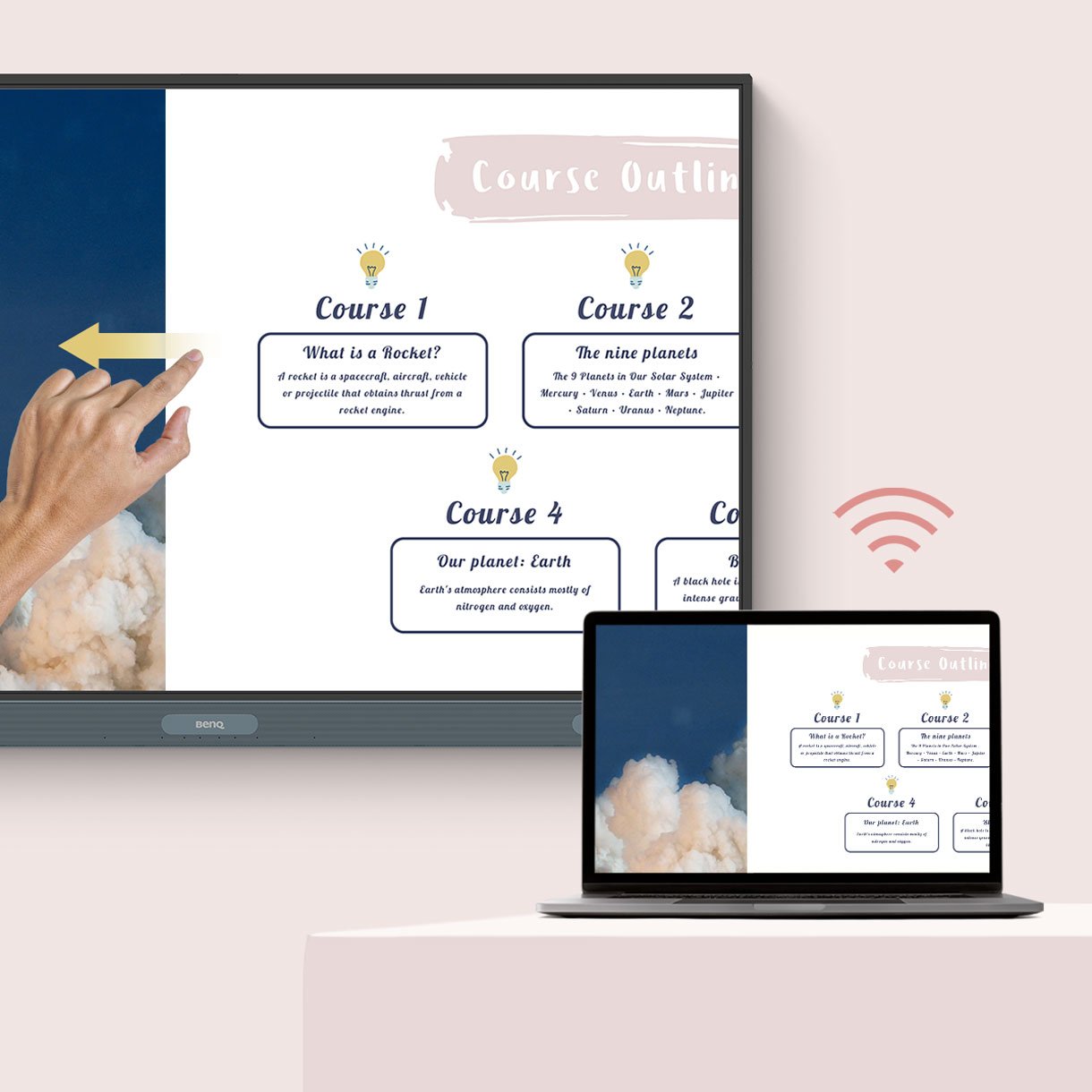
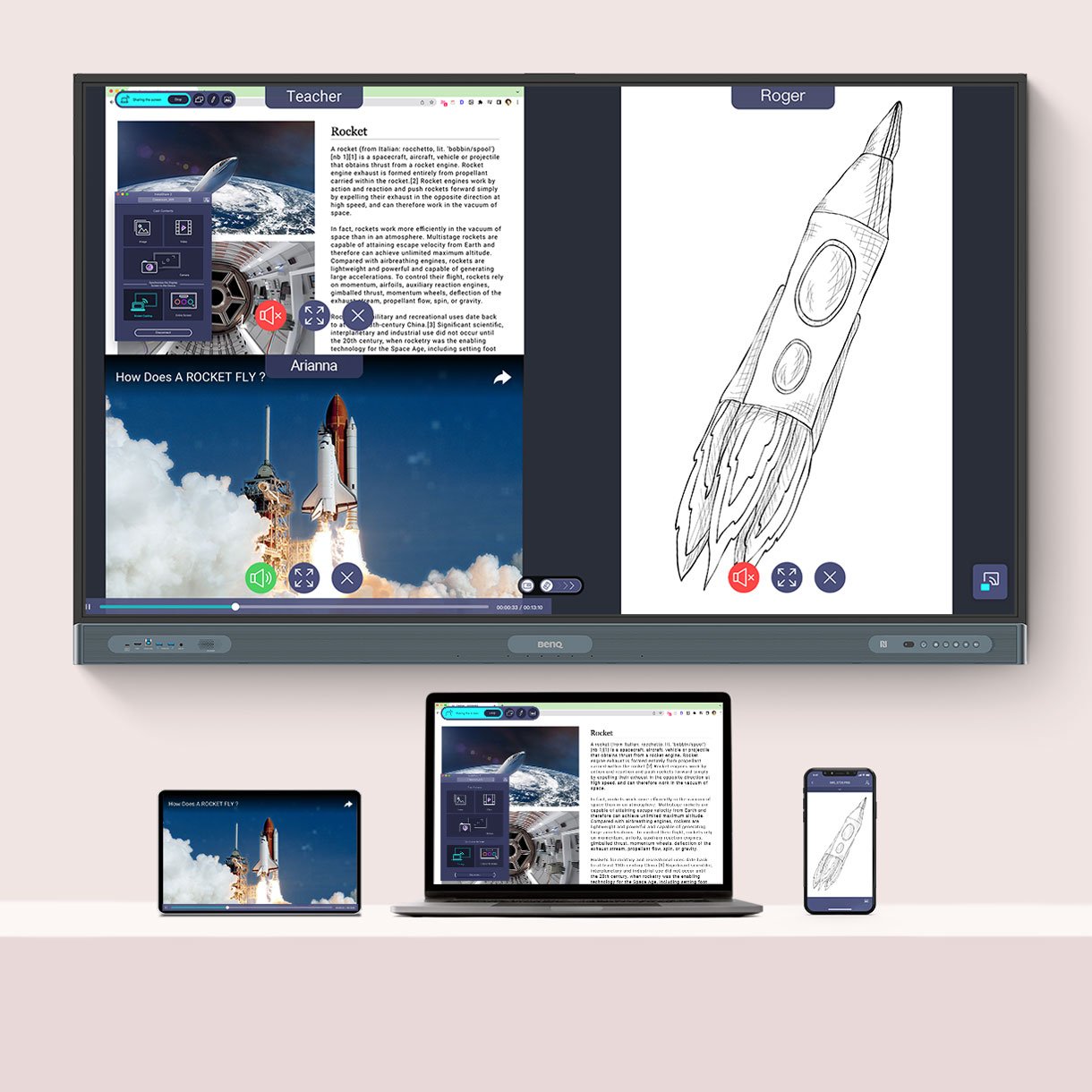
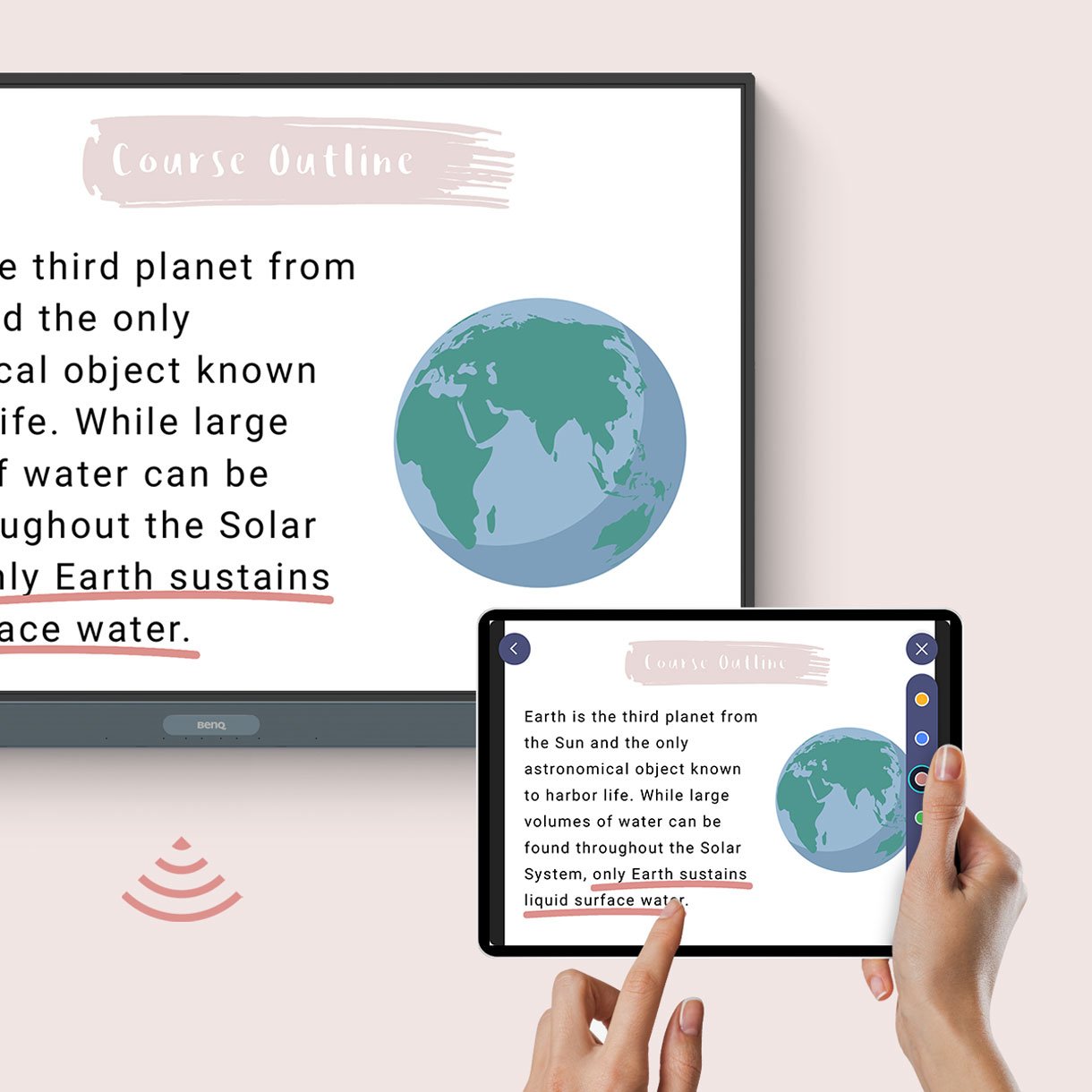
No need for wires to present content. InstaShare 2 allows teachers and students to wirelessly cast their laptop and tablet screens to the BenQ Board no matter where they are in the room.


  • Control devices from the board

    Control devices from the board

  • Share multiple screens simultaneously

    Share multiple screens simultaneously

  • Cast your board to other screens

    Cast your board to other screens


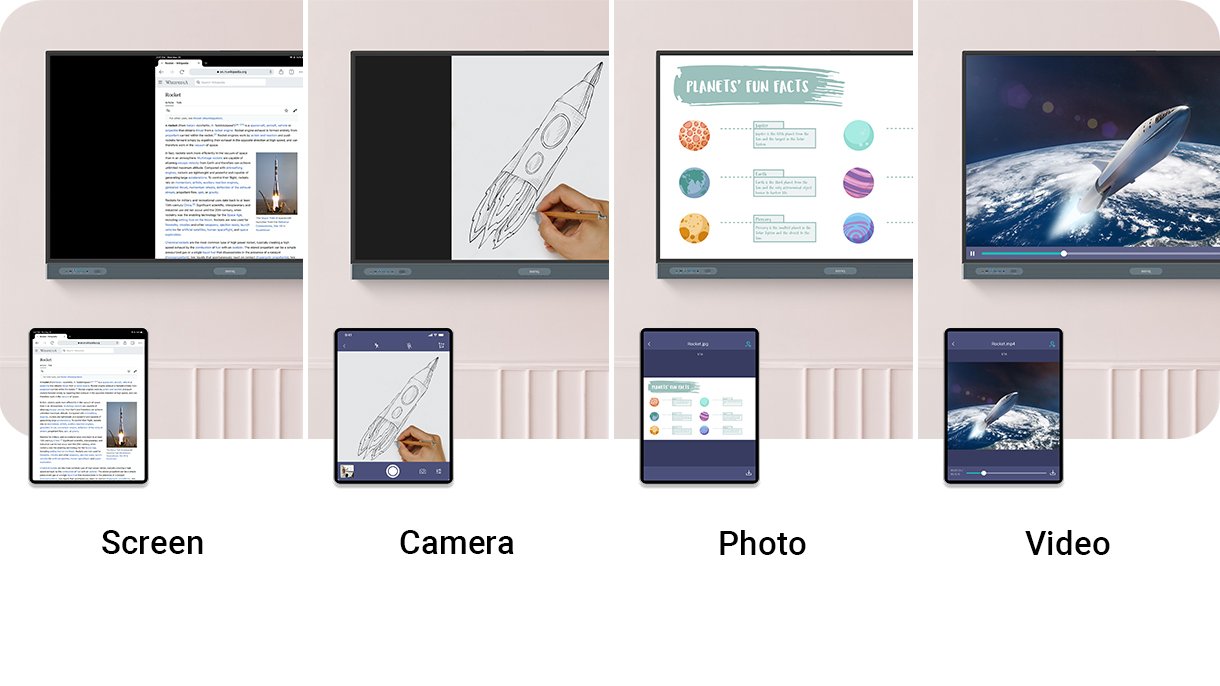
Share different types of content

Make group presentations and whole-class discussions even more engaging for everyone involved. Teachers and students can share photos, videos, or even their camera feed.

Whiteboard with different possibilities.


Man sitting from his BenQ monitor.

Simplified Management

The BenQ ecosystem makes managing devices, applications, and user accounts easier than ever to reduce the workload of IT and administrative staff.


Import and sync existing users

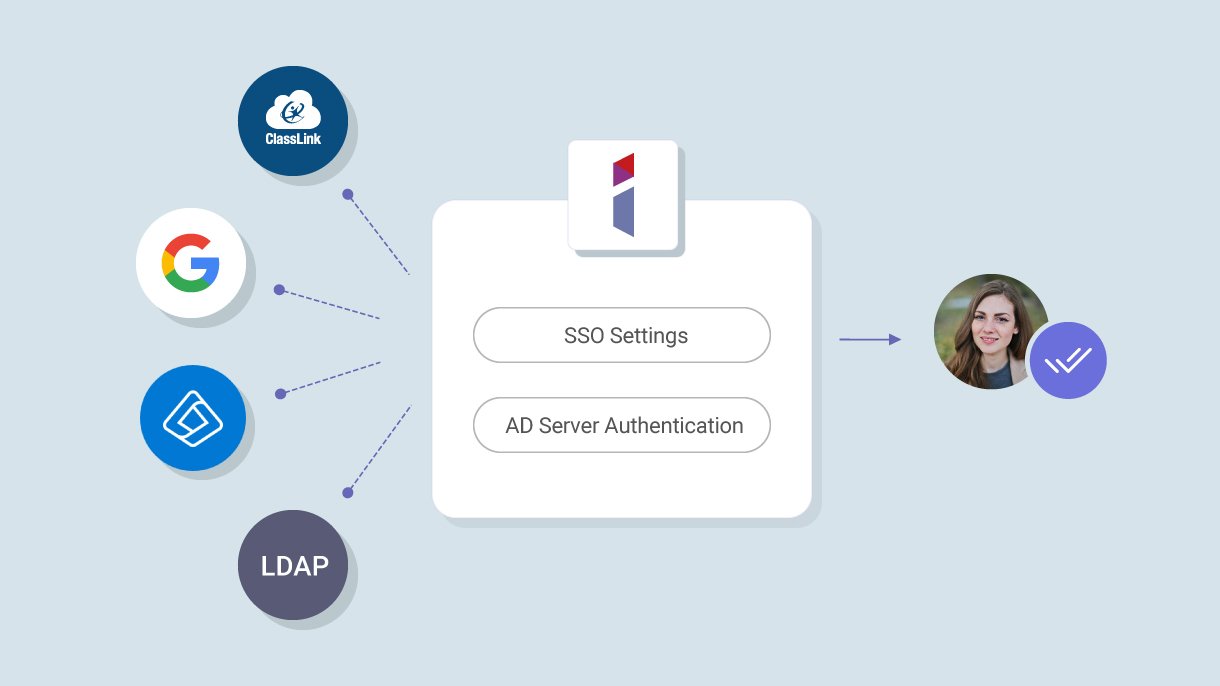
Streamline account management by importing users directly from Google Workspace, Microsoft Entra ID (formerly Azure Active Directory), ClassLink, LDAP servers, or other SAML-based identity providers.

Import and sync existing users

Manage everything remotely

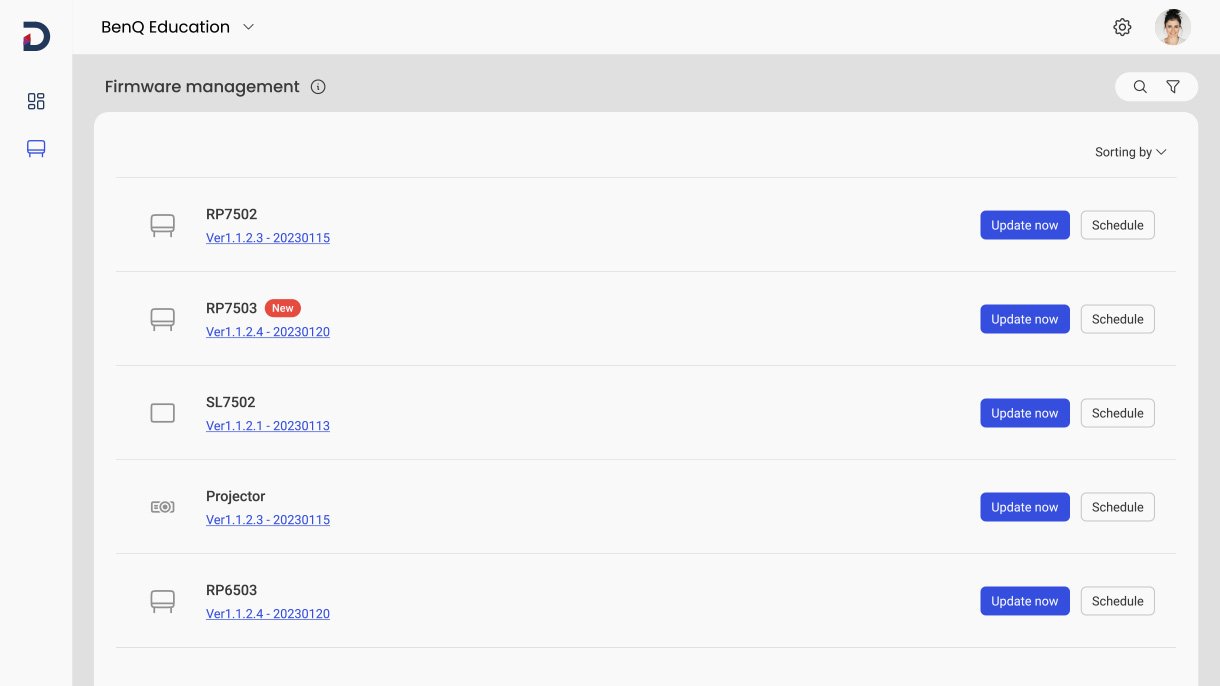
Since BenQ management platforms are all cloud-based, administrators can easily deploy firmware updates, install apps, and set policies for multiple BenQ boards no matter where they are located.

Manage files remotely

Better data security

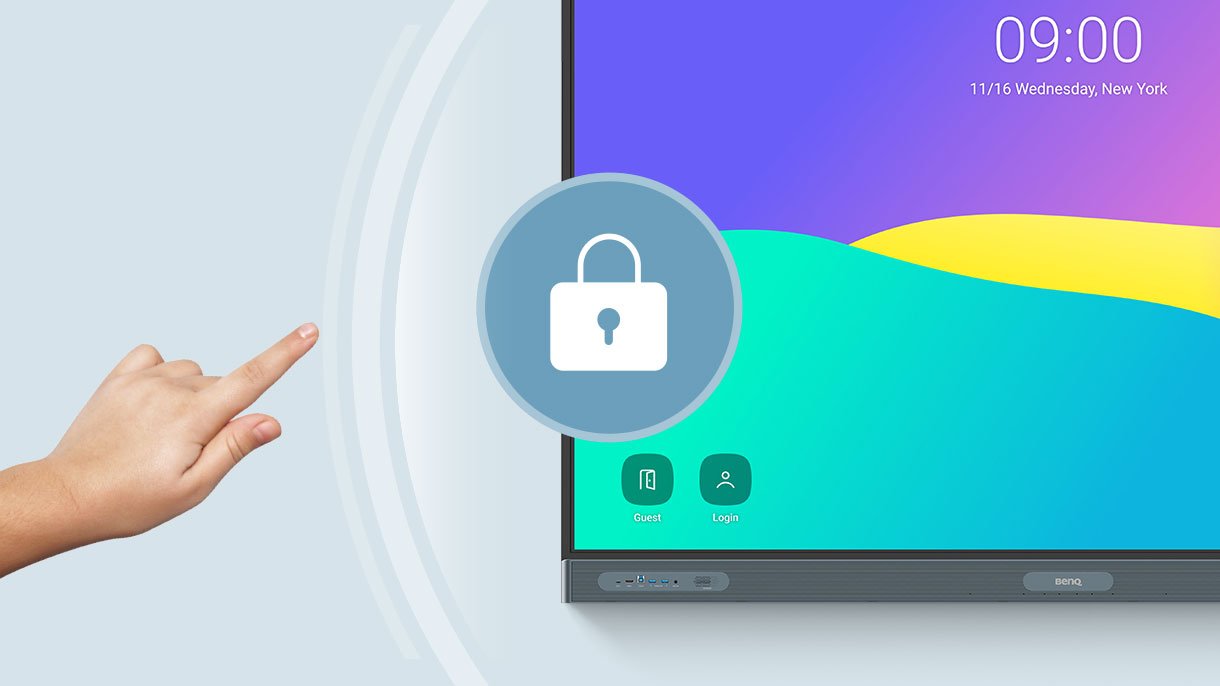
With single sign-on, MFA, authentication mode and app scanning via Google Play Protect, the BenQ Board offers additional layers of security.

Whiteboard with security symbol.

Receive Detailed Analytics

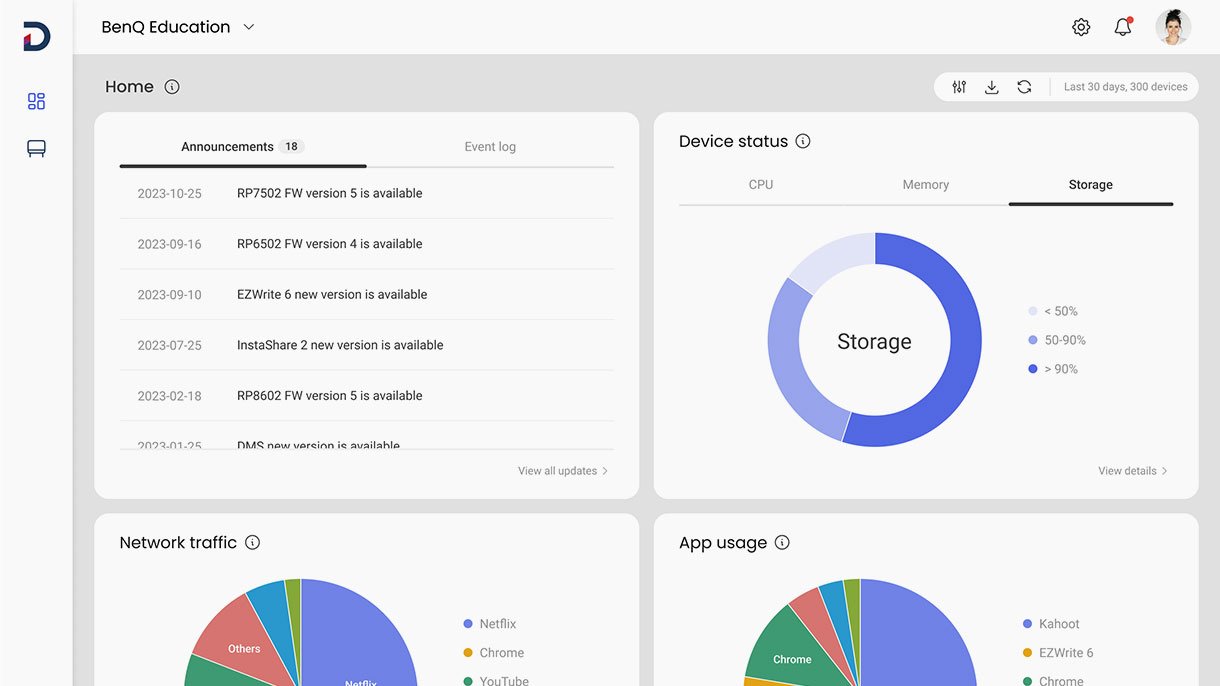
Get advanced analytics for BenQ Boards operations and app usage. Create more informative reports by selecting specific devices and data points.

Receive detailed analytics.

Communicate Across Campus

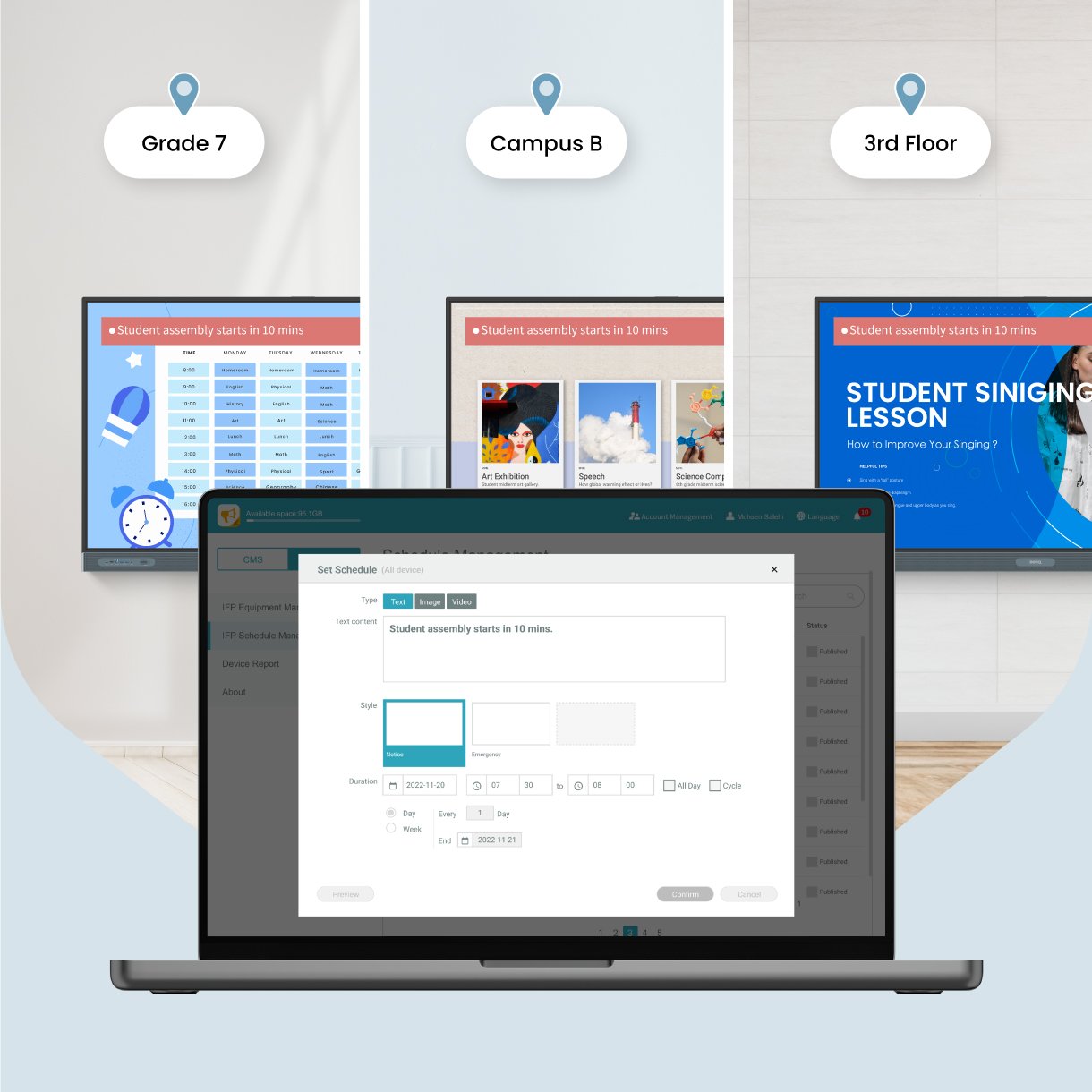
Send scheduled or real-time announcements for events and emergencies across multiple BenQ displays using X-Sign Broadcast.

Communicate across campus


Specifications

  • Screen size 65''
  • Screen type IPS
  • Active area (W × H) 1428.5 × 803.5 mm
  • Resolution UHD 3840 × 2160 pixels
  • Landscape orientation
  • Aspect ratio 16:9
  • Panel brightness (typical) 450 nits
  • Contrast ratio (typical) 1900-02-19
  • Dynamic contrast ratio 50,000:1
  • Lighting lifespan (typical) 50,000 hrs

Detailed information

Features

  • 65" touch display
  • Ultra HD resolution UHD 3840 × 2160 pixels
  • Germ-resistant coating Nano-ionic silver
  • Ultra Precision IR touch technology
  • Screen type IPS

Data sheet

Energy data sheet

Warranty conditions

Delivery and payment conditions

Battery information

Manufacturer

BenQ Germany GmbH
Essener Straße 5
46047 Oberhausen
kontakt@benq.de

Operating instructions

View full details