Skip to product information
1 of 8

BenQ

BenQ RM6504 65" interactive touch display

BenQ RM6504 65" interactive touch display

Regular price €2.679,00 EUR
Regular price Sale price €2.679,00 EUR
Sale Sold out
Taxes included. Shipping calculated at checkout.

Delivery time 8 - 10 days *1

SKU:RM6504

Question about the product


BenQ RM6504

The BenQ RM 6504 Board Master is not only an innovative teaching instrument but also a guarantor of a healthy learning environment. Thanks to its ClassroomCare® functions, it helps to make every classroom a place of health and effective learning. The Eyesafe® 2.0 certification sets a new standard for eye protection by effectively reducing high-energy blue light without affecting the vibrant colors on the screen. In addition, the remote control and pens are germ-resistant, ensuring safe use in the classroom.

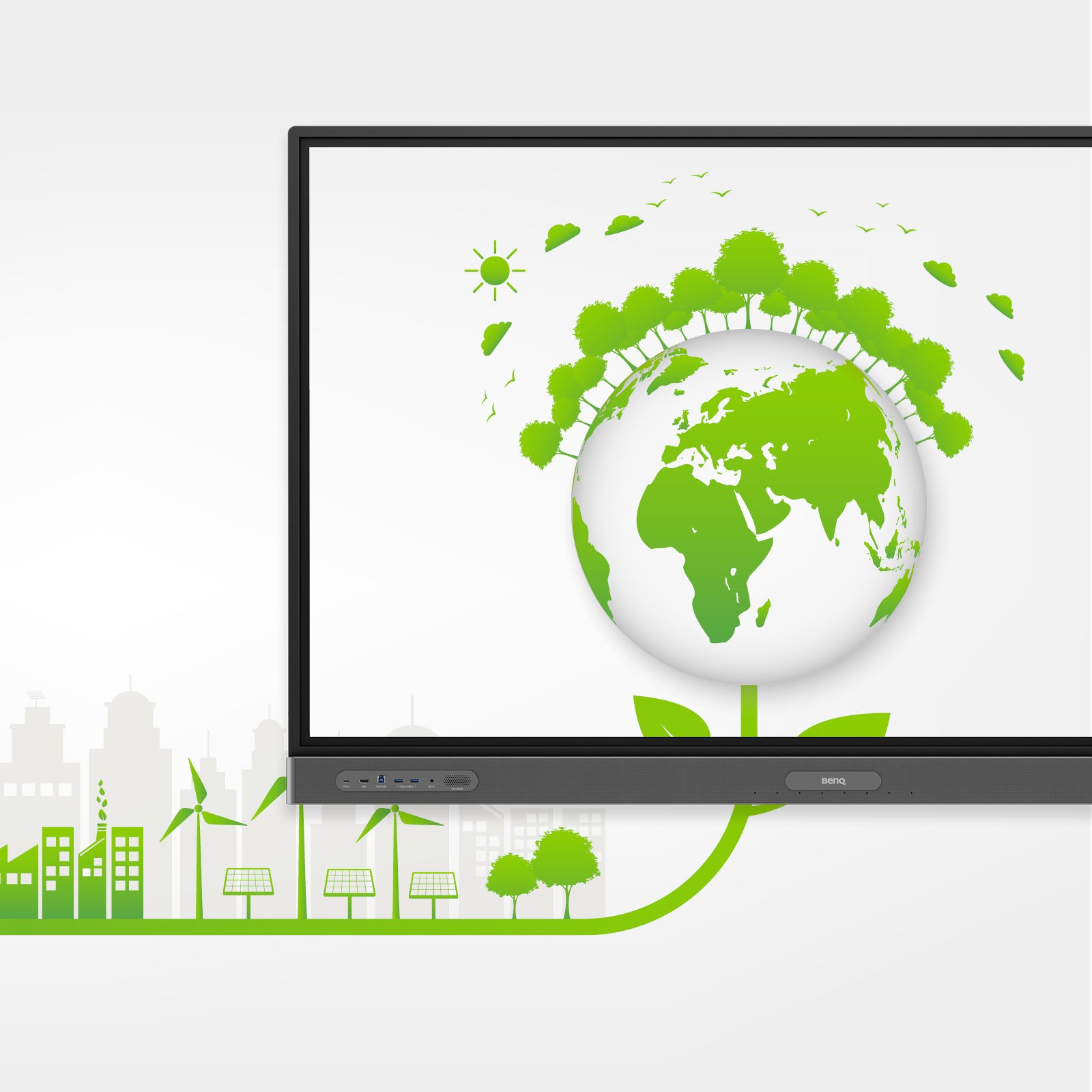
In terms of performance, the RM6504 also demonstrates its reliability in demanding environments. The implemented power-saving functions enable the monitoring and reduction of energy consumption to save costs and improve sustainability without compromising performance.

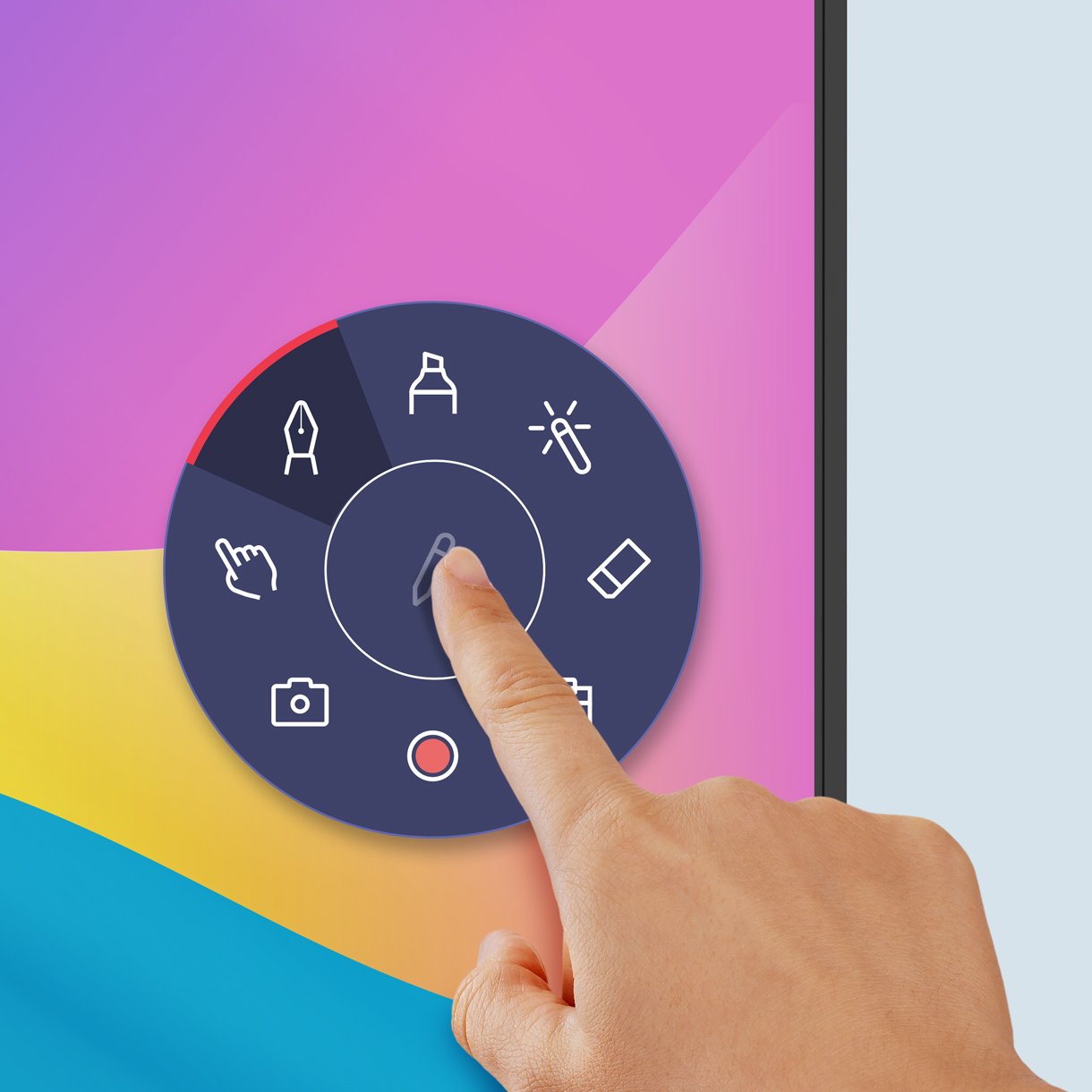
Teaching is elevated to a new level by the powerful EZWrite whiteboard. Equipped with numerous tools, EZWrite 6 allows teachers not only to write and draw but also to share the screen for competitions, use templates, insert mathematical tools, or even present live camera broadcasts. The flexibility in file management of the RM6504 also opens up new possibilities in teaching. Teachers can open PowerPoint, Word, Excel, and PDF files and allow students to save lessons as editable whiteboard files or PDFs for independent revision. Cloud whiteboarding also enables active student participation from anywhere.

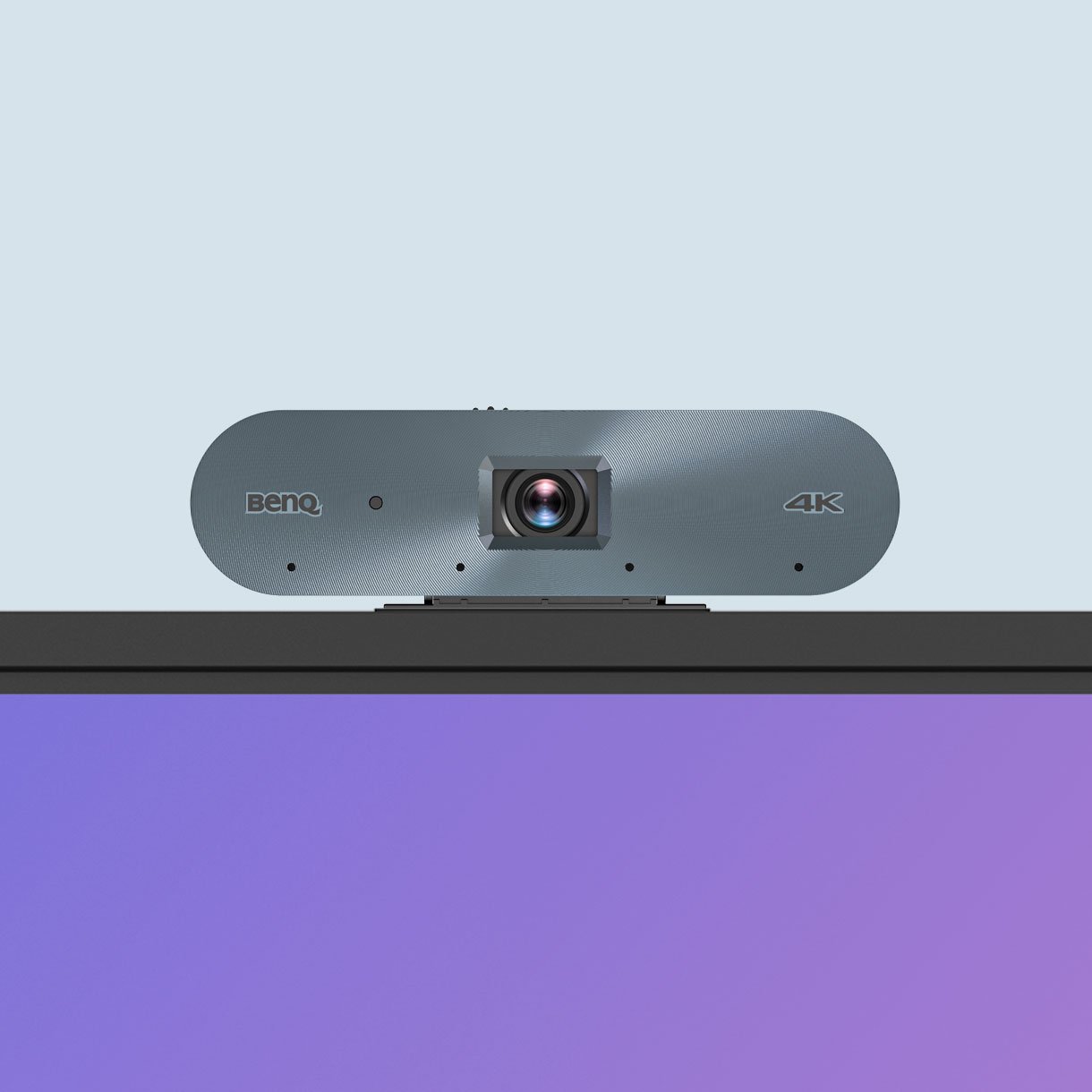
For high-quality streaming and recording, the BenQ Board Master combines the board with the intelligent 4K UHD camera DV01K. The integrated AI functions, including automatic image alignment, face and voice tracking, and active noise cancellation, ensure clear and dynamic audiovisual images. In addition, efficient device management through BenQ platforms makes board maintenance easier for IT staff. Synchronization of user account lists with various identity providers, remote monitoring, and a central dashboard for installing and updating applications offer a comprehensive solution.

Highlights

  • UHD panel (3840 x 2160p)
  • 16:9 aspect ratio
  • 450 nits brightness
  • Dynamic contrast ratio 50,000:1
  • Typical contrast ratio 1900-02-19
  • 10-bit color depth
  • 8 ms response time
  • Android 13.0
  • Various connectivity options


BenQ Board Master Series

Discover new possibilities

Unleash your teaching potential with the optimal tools for modern education.


Google-powered teaching

Harness the power of BenQ hardware and Google services for teaching with the EDLA-certified BenQ Board Master RM04.


  • Easy App Access

    Enhance your teaching with interactive learning apps from Google Play.

  • Google Essentials

    The RM04 comes with Google Core Services such as Google Drive and Meet.

  • Collaboration Tools

    Fully utilize Google Docs, Sheets, and Slides on a large touchscreen display.
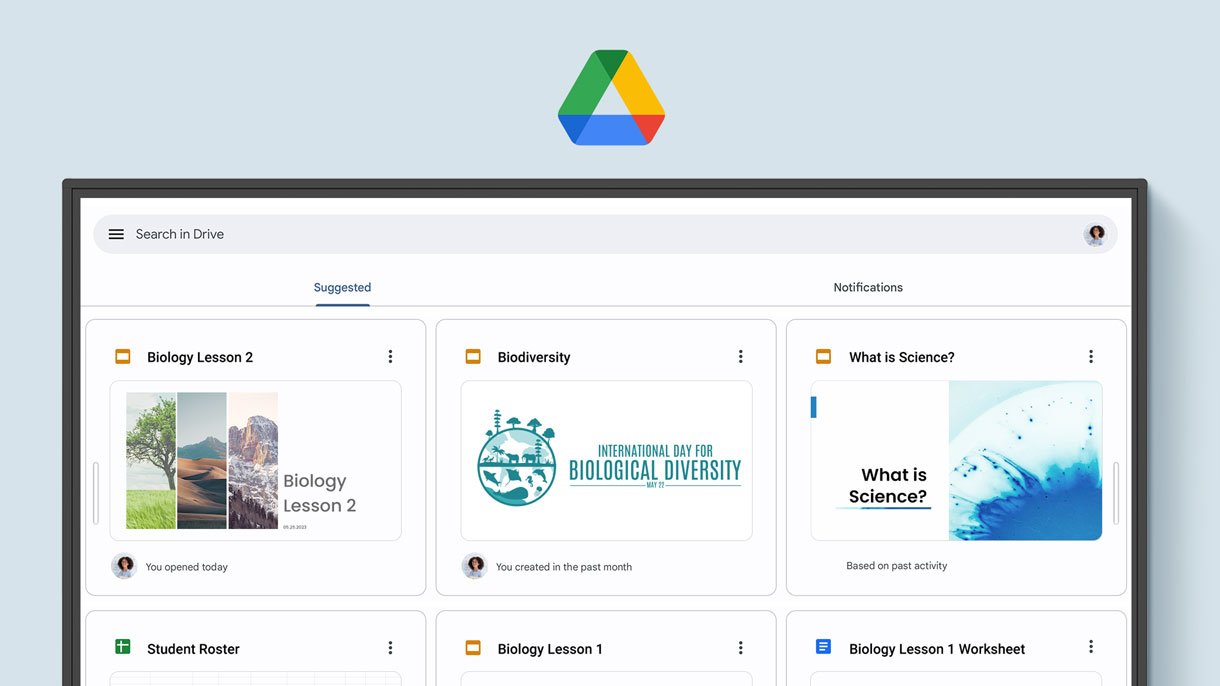


Convenient File Access

Open files from your Google Drive to teach with your prepared materials, and save them directly back to the cloud to always have access to the latest files.

Digital whiteboard displaying a Google service.

Enhanced Security

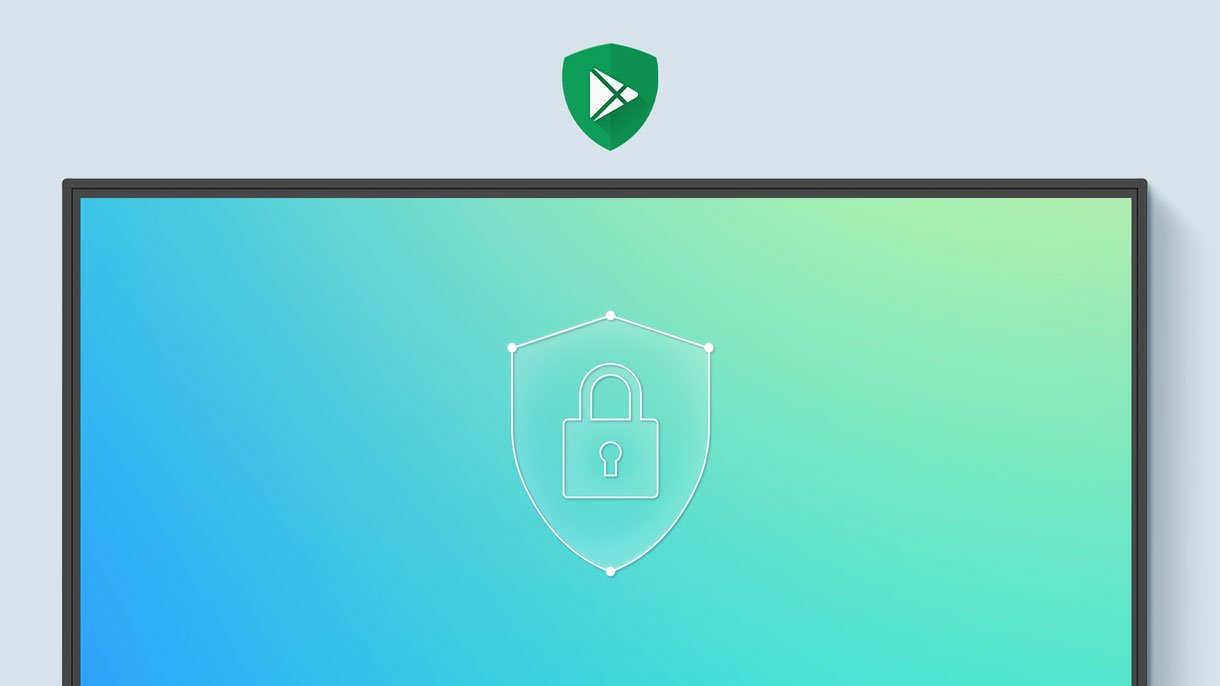
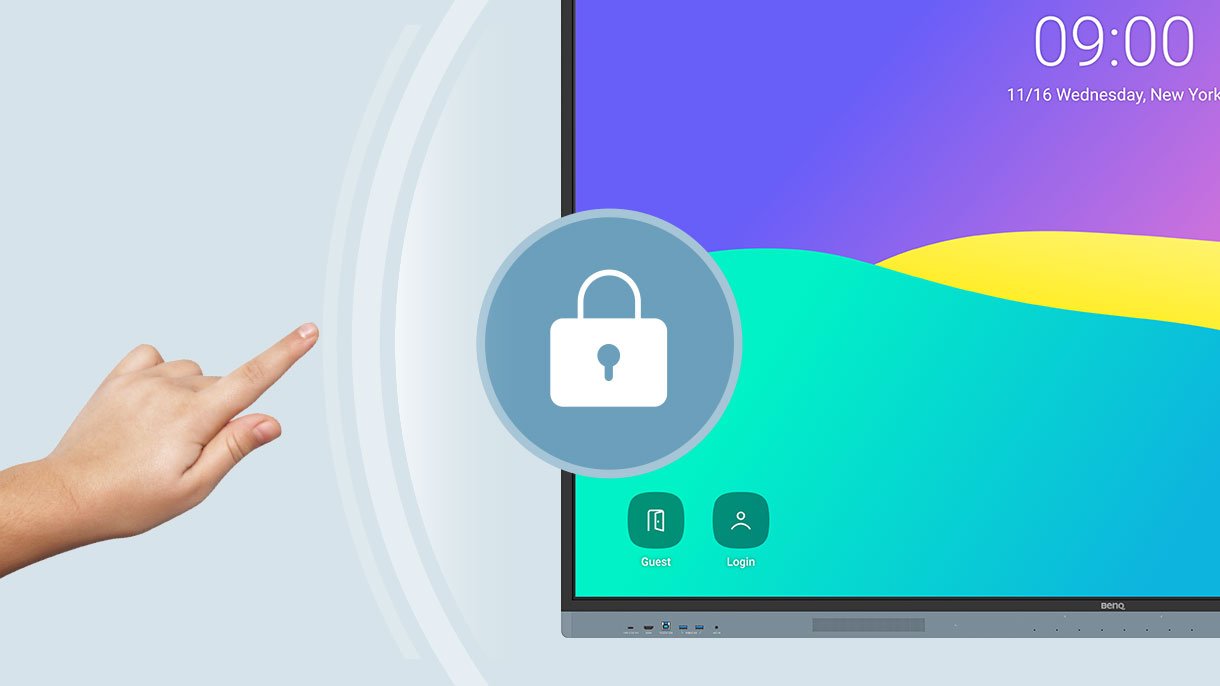
Google's security features on your RM04 prevent data leaks, phishing, malicious software, and data loss.

Whiteboard with security symbol.

Personalized Screen

You can change the layout of your home screen by moving applications, placing them in folders, or dragging them to a new page.


AI Tools for More Inclusive Lessons


  • Text-to-speech

    Text-to-Speech

    Hear the text as it is displayed or written on the screen.

  • Multilingual translation

    Multilingual Translation

    Translate texts into numerous languages to make lessons more contextually relevant.

  • OCR

    OCR

    Effortlessly edit text from photos and scanned pages.


Students working on BenQ's interactive whiteboard.
classroomcare

ClassroomCare®

Protecting Student Health in the Classroom

The BenQ Board Master is equipped with ClassroomCare® features that help schools make every classroom a healthier place to learn.

Learn more about ClassroomCare technologies

eyesafe 2.0

Only the best for your eyes

The RM04 is Eyesafe® certified 2.0 and offers the highest available protection for the eyes. It reduces eye strain by effectively reducing high-energy blue light without altering the vibrant colours on the screen.


Regular screen

Regular screen

BenQ Eyesafe® screen

BenQ Eyesafe® screen

  • Eyesafe® certified 2.0

    Eyesafe® certified 2.0

  • TÜV certified

    TÜV certified

  • Flicker-free

    Flicker-free

  • Anti-glare

    Anti-glare


IP5X Dust Protection

Even in dusty classrooms, the RM04 ensures consistent operation. Its control panel complies with IEC standard 60529.
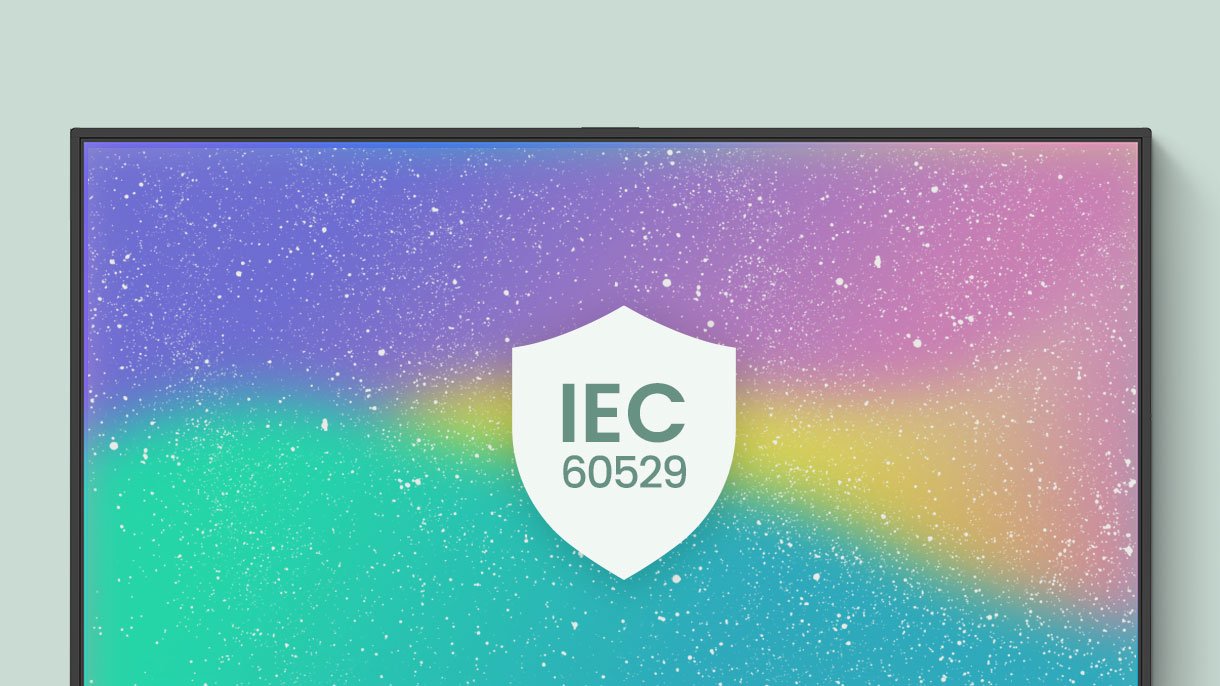
Interactive whiteboard with IEC 60529 symbol.


Save energy with BenQ Boards

BenQ Boards offer energy-saving features to monitor and reduce energy consumption, save costs, and improve sustainability without compromising performance.

Learn more
Save energy with BenQ Boards


Child working on a whiteboard.

Whiteboard Without Limits

Enhance your lessons with EZWrite, a powerful whiteboard equipped with numerous teaching tools you can use for engaging in-person or hybrid lessons.

Learn more about EZWrite 6 Interactive Whiteboard

More than just a whiteboard

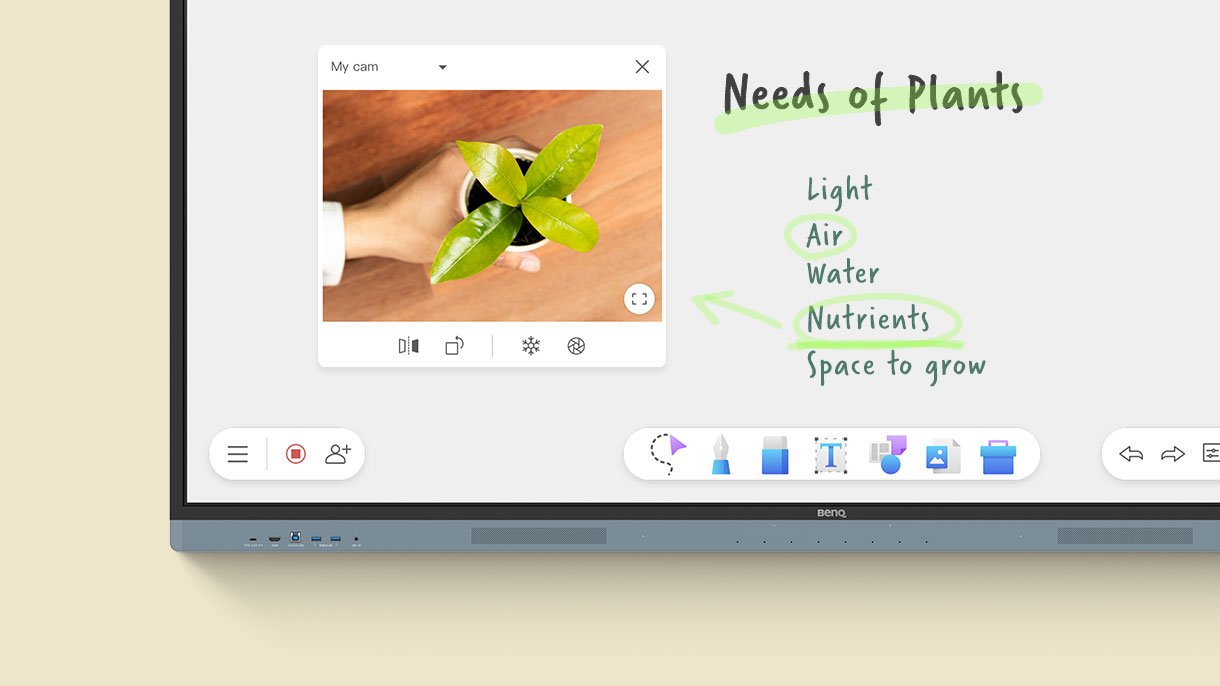
With EZWrite 6, you can do much more than just write, draw, and add text. Use the expandable whiteboard, split the screen for competitions, insert templates, use mathematical tools, or show a live camera feed.

The interactive whiteboard shows a video.

Import and export files

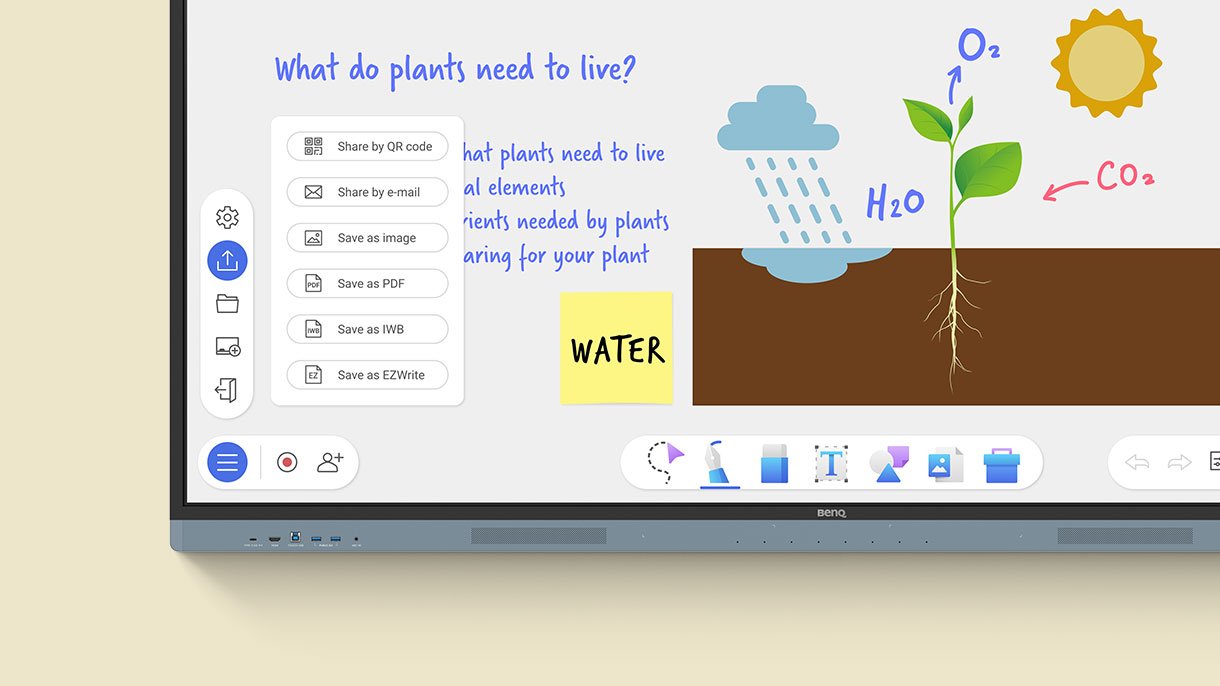
Open PowerPoint, Word, Excel, and PDF files to teach with them and take notes during class. When you're done, save the lesson as an editable whiteboard file to continue where you left off, or as a PDF file for students to review at home.

Interactive whiteboard showing the solar system.

Extend your classroom

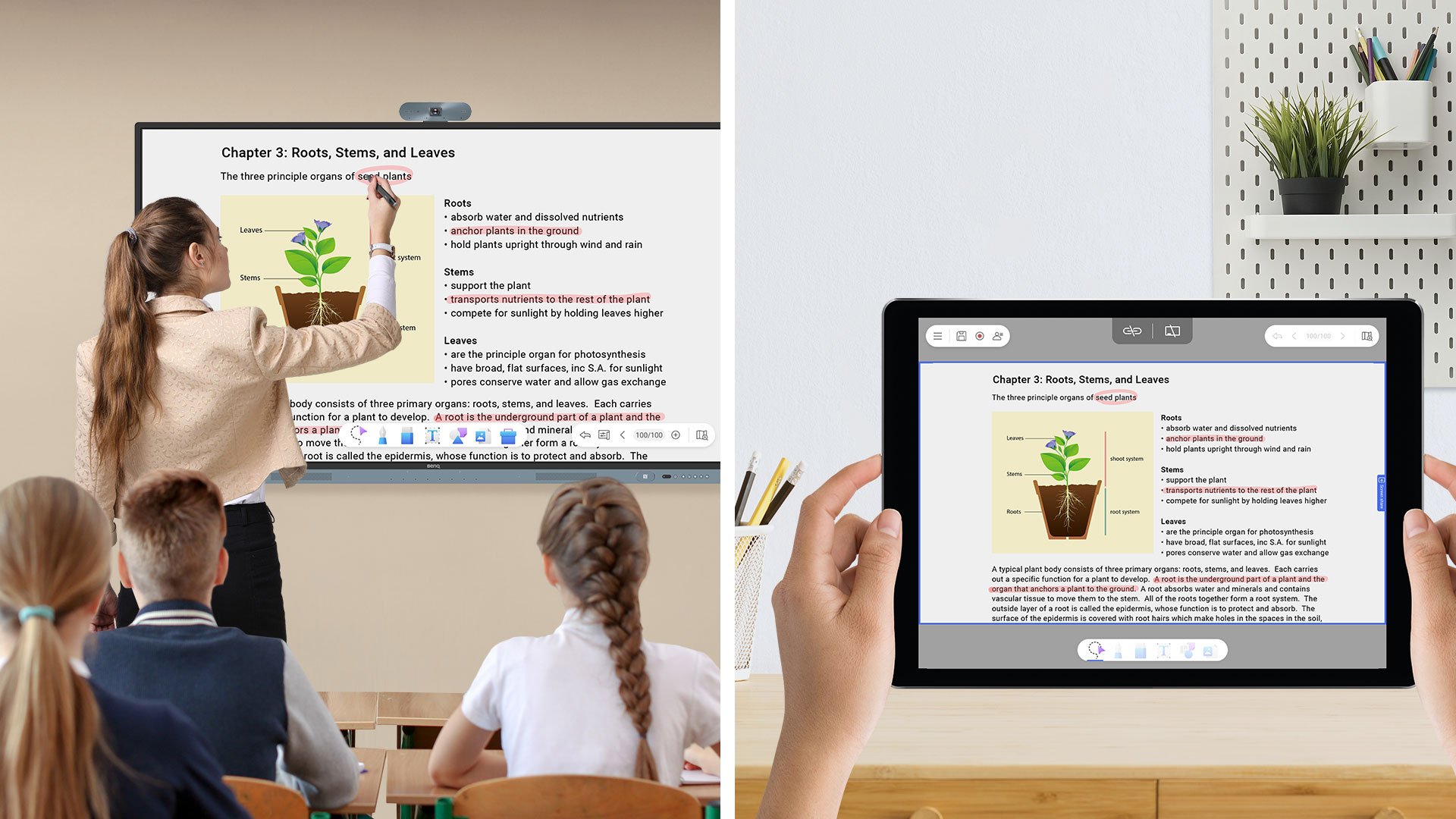
With cloud whiteboarding, students can join lessons from their seats or even from home. Remote students can use the whiteboard as if they were sitting directly in front of the screen.

Teacher teaching at whiteboard.

Teacher teaching at whiteboard.

A Smarter Teaching Environment

Everything you need to enhance your lessons is already on the RM04 Display.


Maximize teaching efficiency

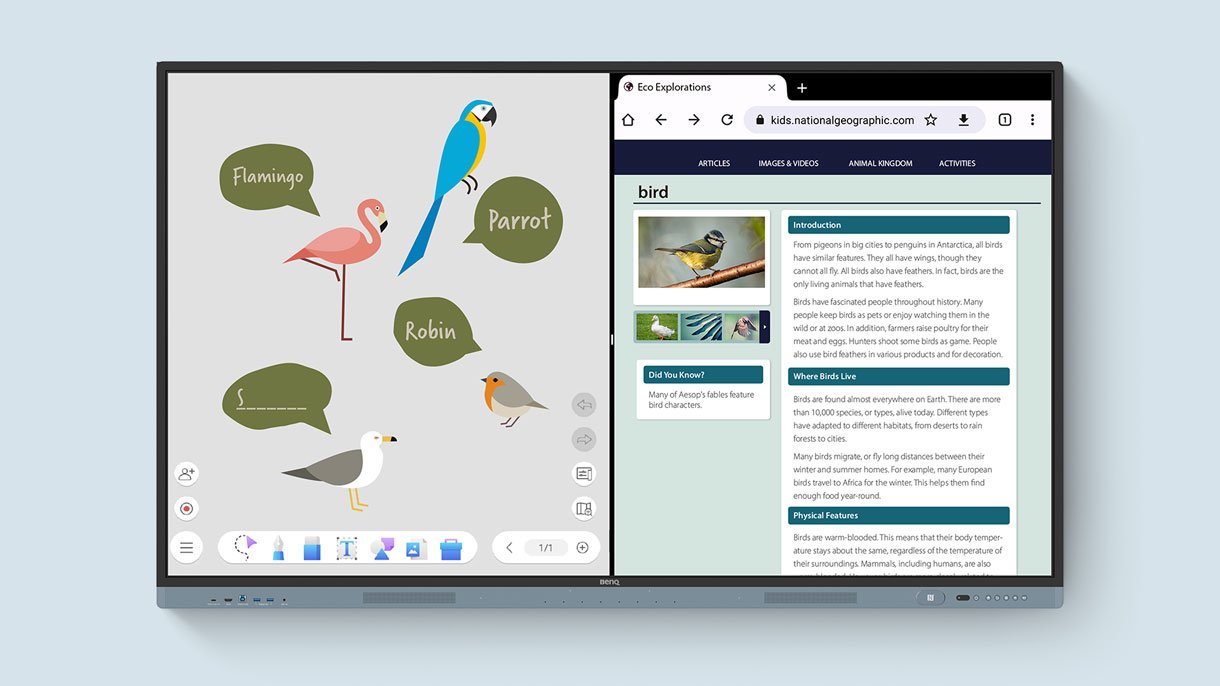
Whiteboard and web search on the same screen. Activate split screen and open two apps side-by-side to make lessons more dynamic.

Interactive whiteboard showing the solar system.


Stream and record lessons with AI

Combine the BenQ Board with the DV01K intelligent 4K UHD camera for high-quality video streaming and recording. Ensure clear and dynamic audio-visuals with the camera's integrated AI features, including auto-framing, face and voice tracking, and active noise cancellation.

Whiteboard with camera.

  • AI-powered auto-framing

    AI-powered auto-framing

  • AI-powered speaker tracking

    AI-powered speaker tracking

  • Active noise cancellation

    Active noise cancellation


All-around sound

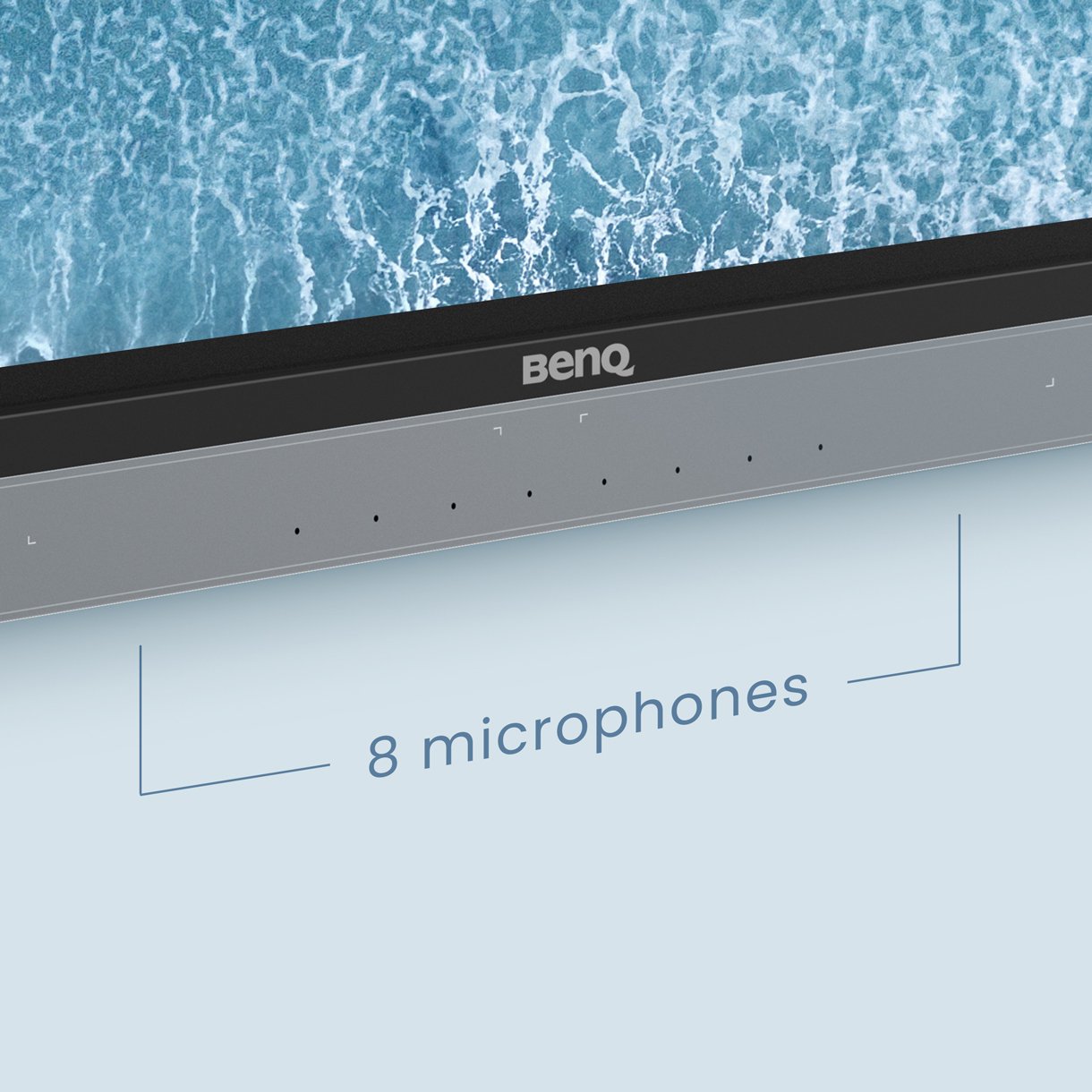
The two 20-watt front-facing speakers provide room-filling sound in any classroom. Together with the 8-microphone array, they ensure everyone can hear and be heard during conversations or audio-visual lessons.

Interactive whiteboard displaying the microphones.


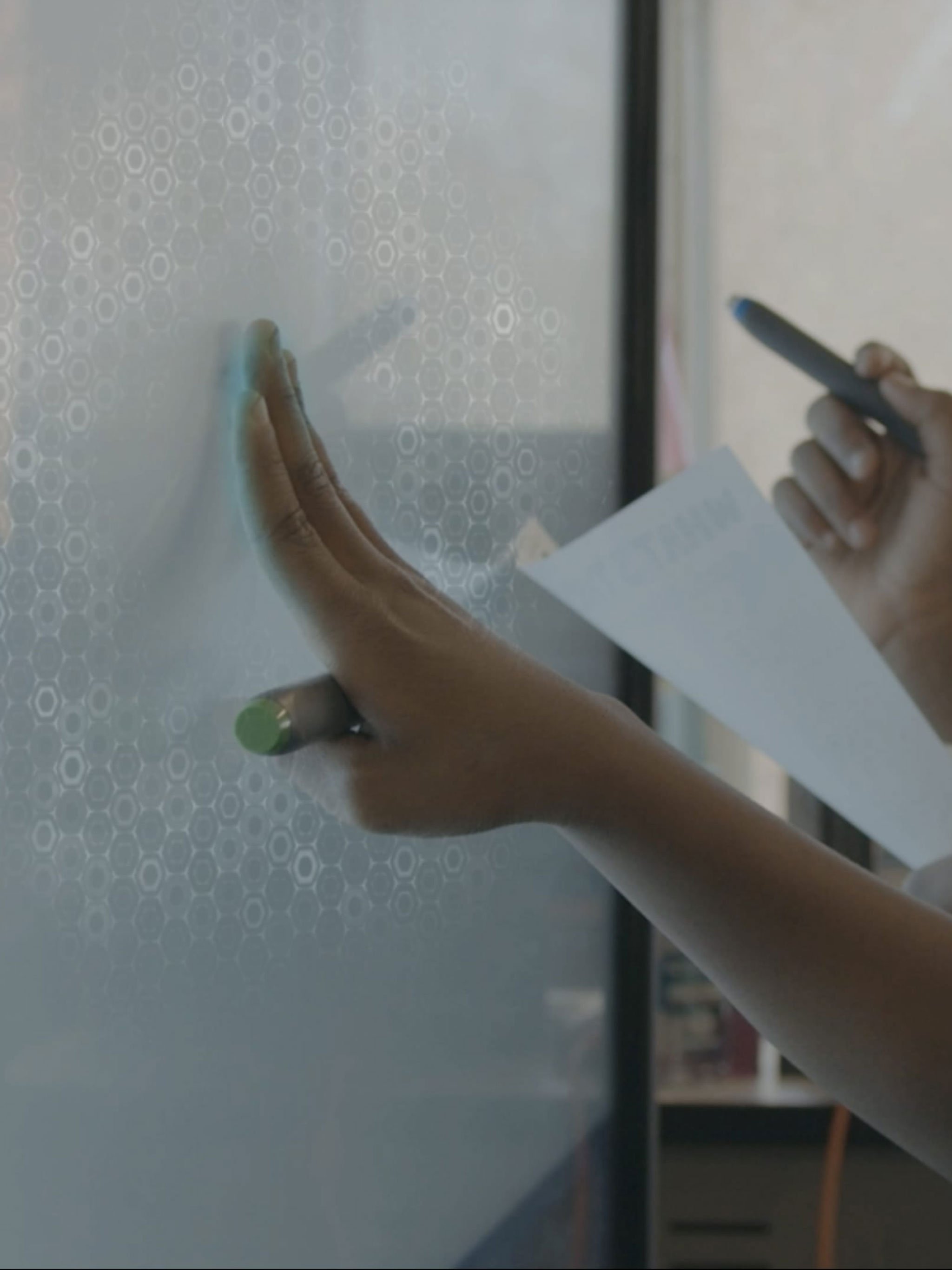
Easy and intuitive writing

With the BenQ Board Master, multiple students can interact intuitively with the screen at the same time for group work and other classroom activities.


  • 40 Touch Points

    The RM04 enables up to 40 touch points, so everyone can interact with the display simultaneously.

  • Natural Writing

    Natural writing

    With the small distance between the glass and the panel, writing feels as smooth as writing on paper.

  • Fine IR+

    Fine IR+

    Fine IR+ Touch provides the most precise writing experience of all BenQ Boards.


Teacher instructing at the whiteboard.

Seamless Idea Exchange

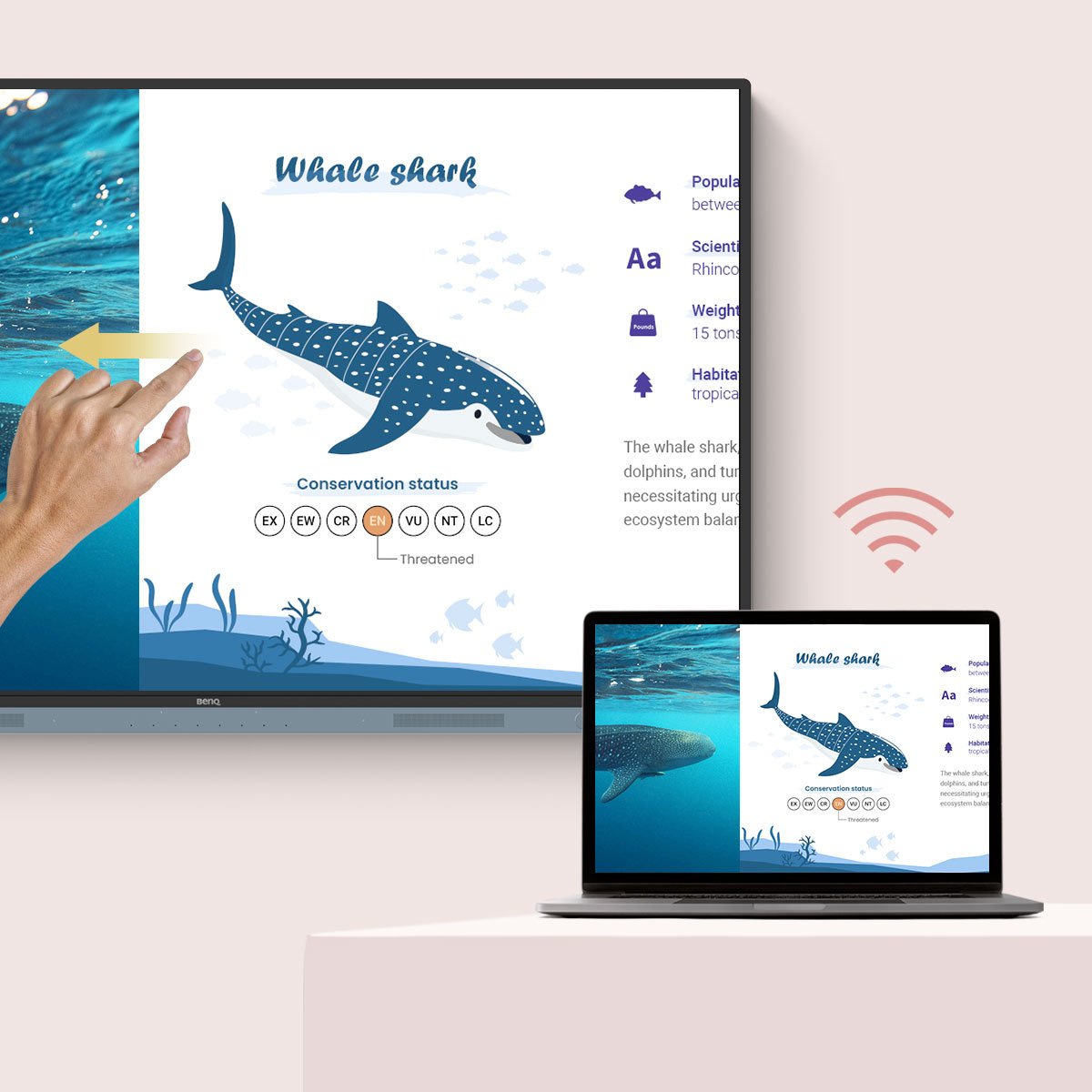
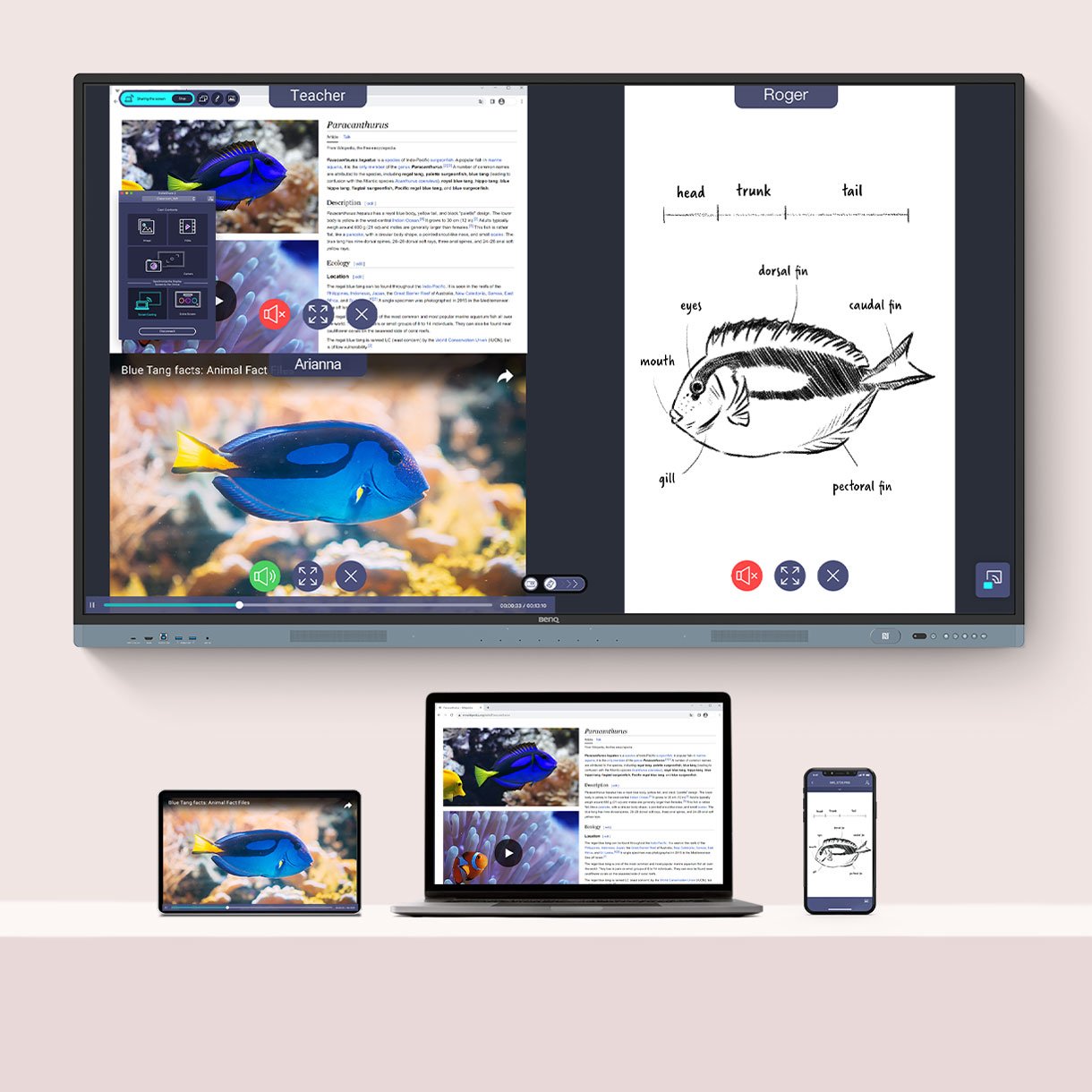
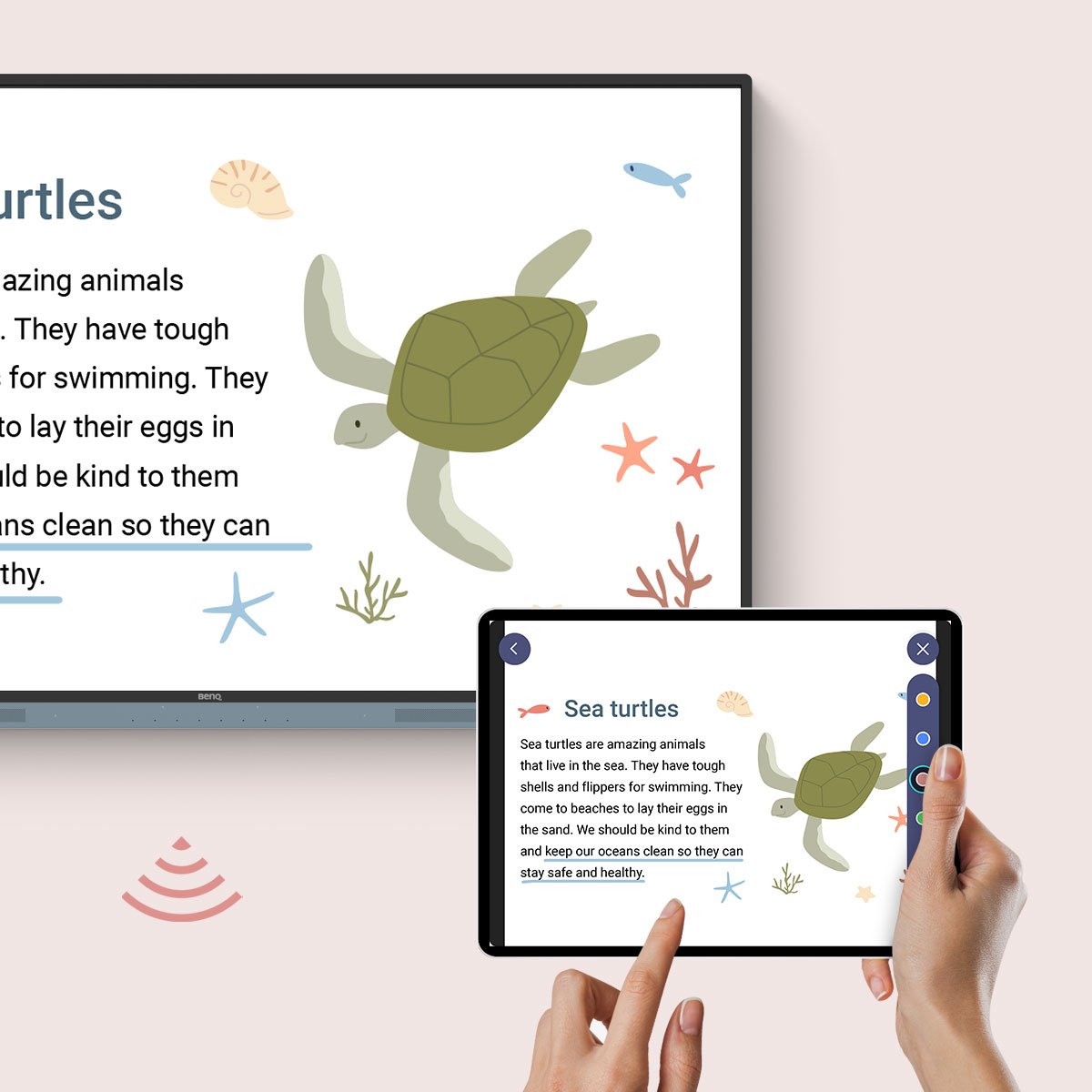
Share content wirelessly from anywhere in the room on the RM04. Stream teaching materials from your laptop or have multiple students share their screens with InstaShare 2.


  • Control your device from the board

    Control your device from the board

  • Simultaneously share multiple screens

    Simultaneously share multiple screens

  • Connect the board to other devices

    Connect the board to other devices


Present diverse content

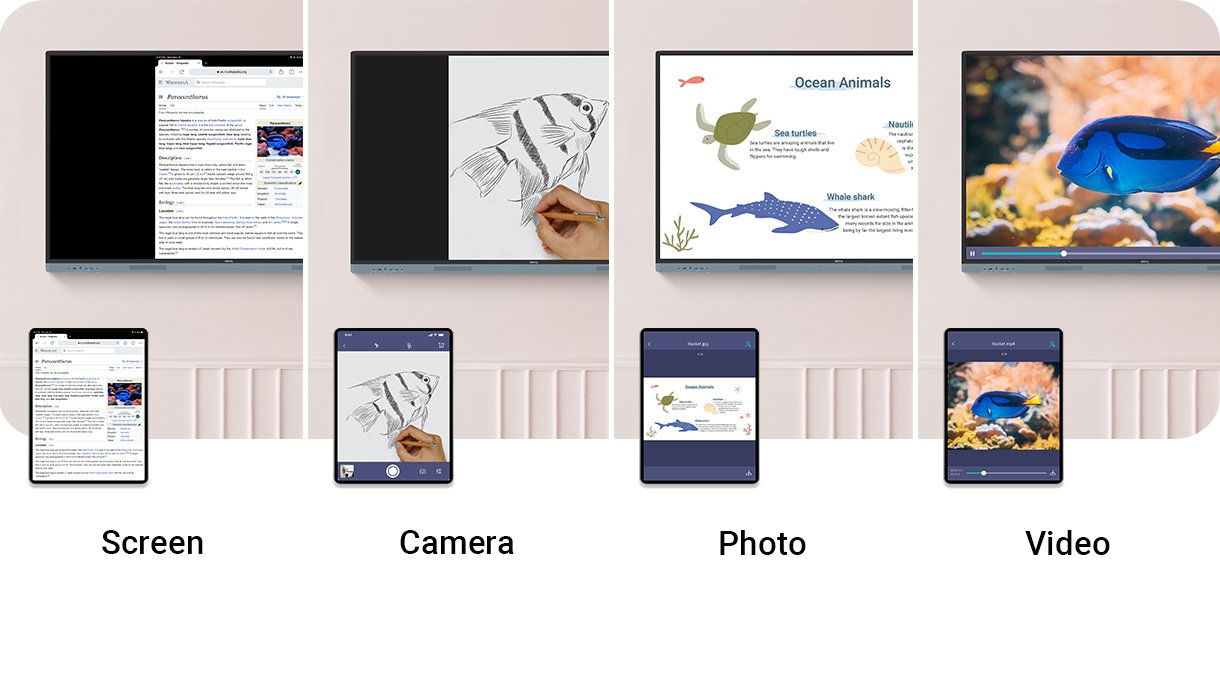
InstaShare 2 can do more than just screen sharing. You can also stream photos, videos, or your live camera feed for more dynamic presentations and discussions.

Whiteboard with various possibilities.


Man sitting in front of his BenQ monitor.

Effortless Management

BenQ's device and user management platforms enable IT staff to maintain their BenQ Boards without additional complexity. We help significantly reduce their workload so they can focus on other tasks.


Identity Management Syncing

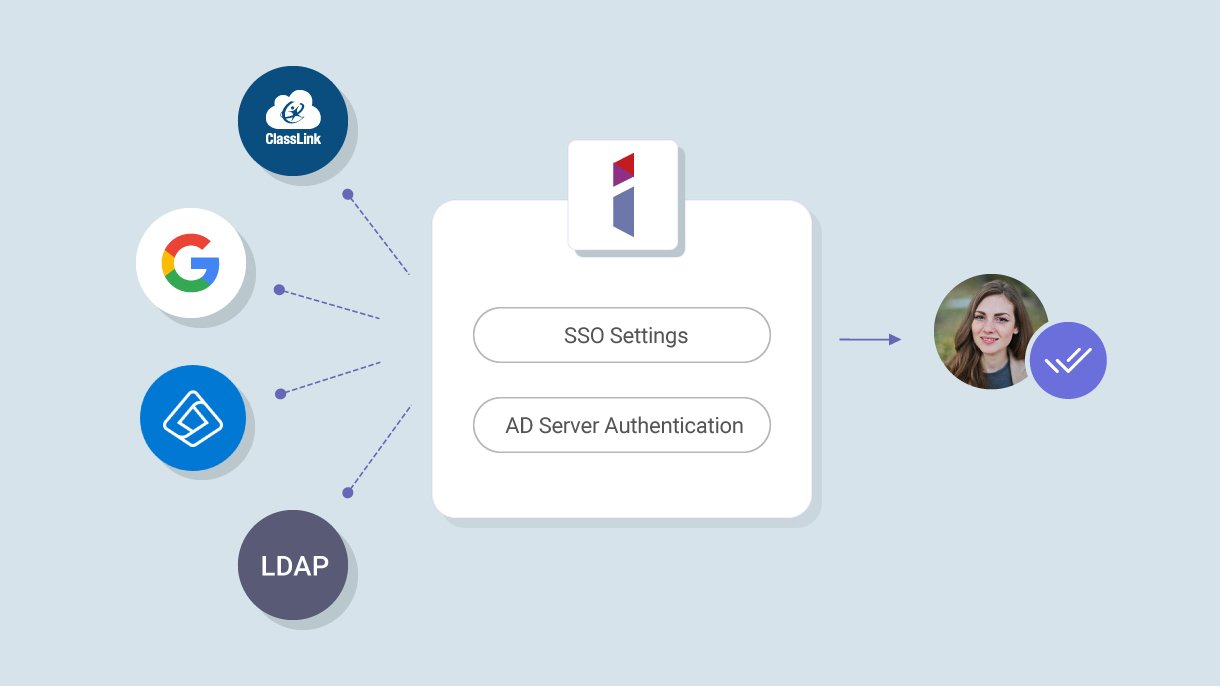
Speed up user list management by syncing your BenQ Board user account list with your existing lists in Google Workspace, Microsoft Entra ID (formerly Azure Active Directory), ClassLink, LDAP, or any other SAML-based identity provider.

Identity Management Syncing

Device and App Management

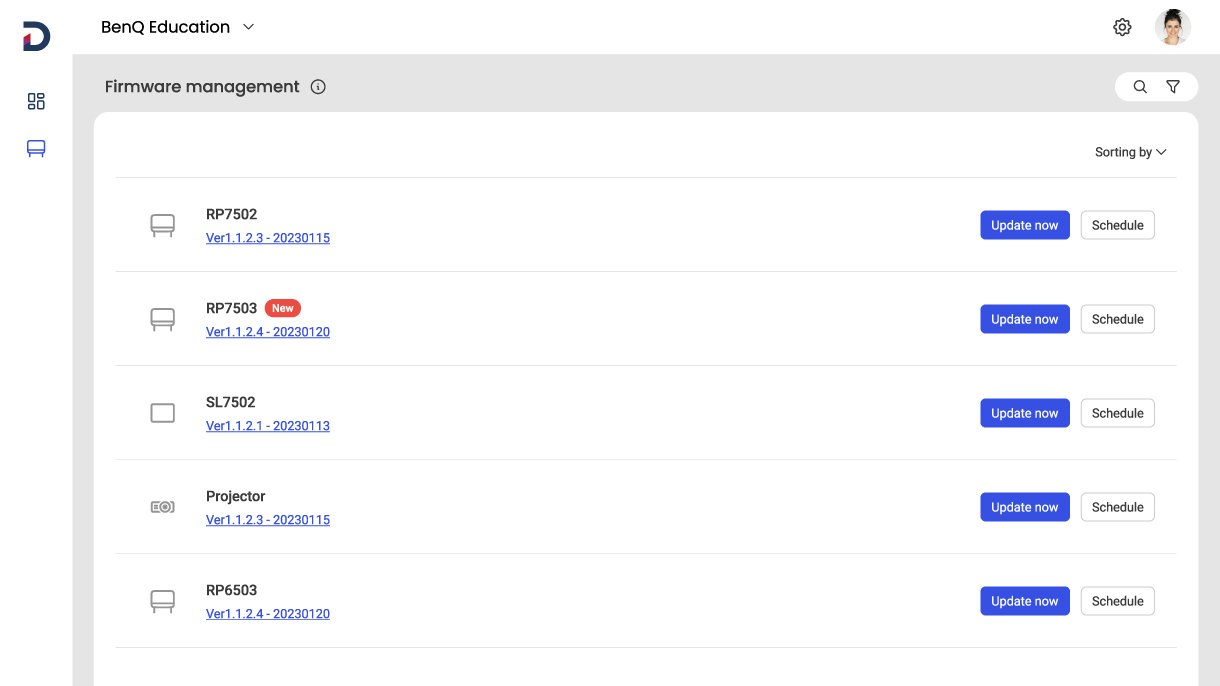
Remotely monitor and manage all your BenQ devices. Install, update, and delete applications from a single dashboard, which also allows you to push firmware updates and set power-on/off times.

Device and App Management

More Secure Boards

The RM04 board protects your school's data with secure login options, strict access controls, regular system updates, and app scans via Google Play Protect.

More secure BenQ boards

Comprehensive Analytics

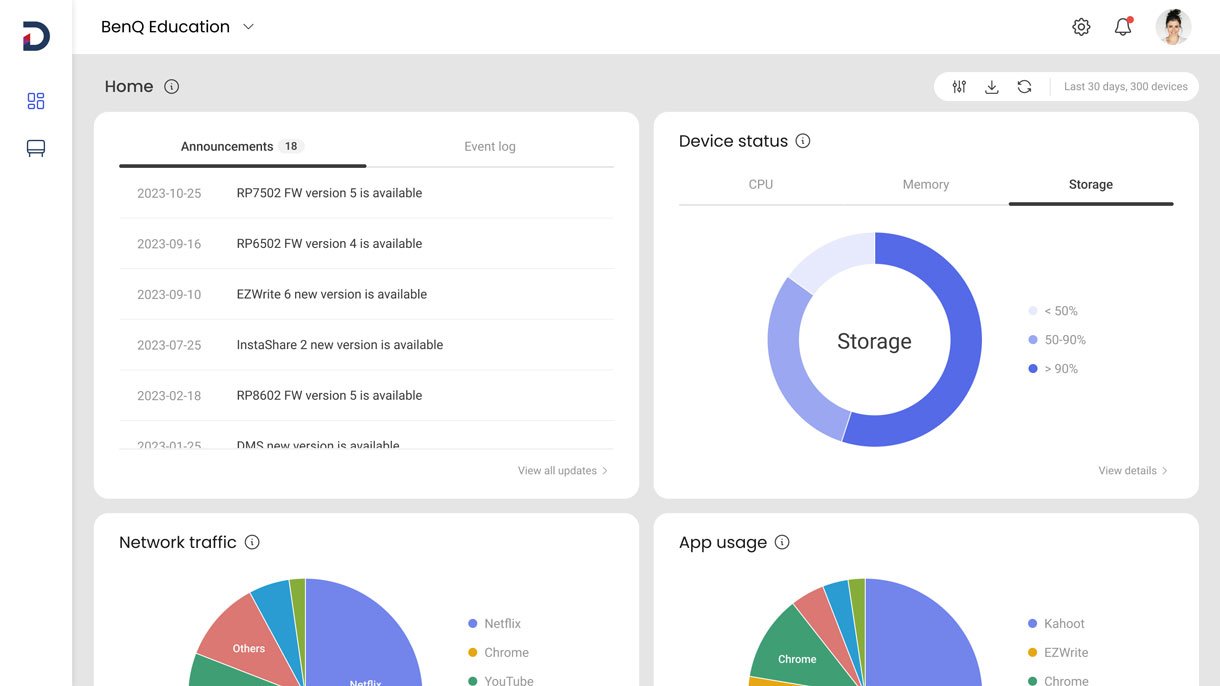
Find out how your BenQ Boards are being used and which apps are most popular. Select specific devices and data points to create more informative reports.

Comprehensive analytics of BenQ Boards.

School-wide Communication

Deliver clear messages to multiple BenQ displays with X-Sign Broadcast. Keep everyone updated on events, safety protocols, and emergencies.


Specifications

  • UHD panel (3840 x 2160p)
  • 16:9 aspect ratio
  • 450 nits brightness
  • Dynamic contrast ratio 50,000:1
  • Typical contrast ratio 1900-02-19
  • 10-bit color depth
  • 8 ms response time
  • Android 13.0
  • Various connection options

Detailed information

Features

  • UHD panel (3840 x 2160p)
  • 16:9 aspect ratio
  • 450 nits brightness
  • Dynamic contrast ratio 50,000:1
  • Typical contrast ratio 1900-02-19

Data sheet

Energy data sheet

Warranty conditions

Delivery and payment conditions

Battery information

Manufacturer

BenQ Germany GmbH
Essener Straße 5
46047 Oberhausen
kontakt@benq.de

Operating instructions

View full details